
SEN
Senvas

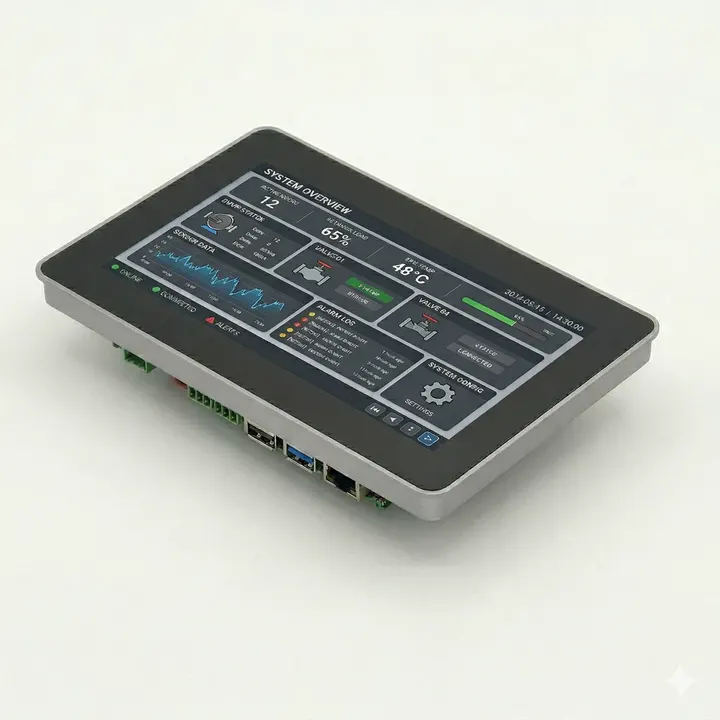
A Raspberry Pi touch panel
for applications you build

Senvas Touch runs programs made with our tools as well as applications you develop yourself. For industrial HMI screens, use the free Senvas Designer to build and deploy your application.

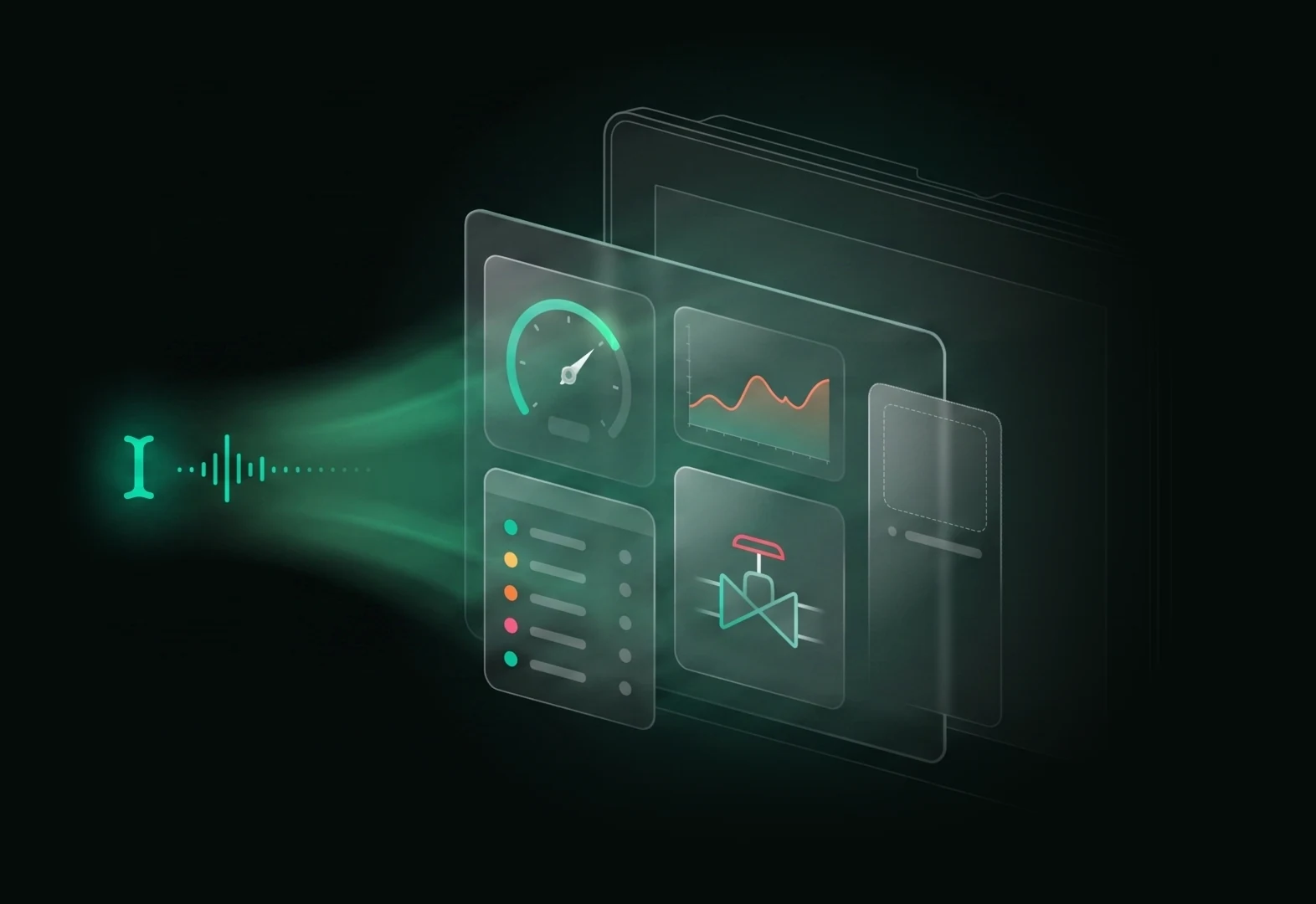
A spoken sentence turning into HMI screen widgets
ModelsSV070 7" · SV101 10.1"
ProcessorBCM2711 quad-core
Design toolSenvas Designer (Windows)
Pricefrom ₩396,000

See it in use

Run your own app,
or build equipment screens with the free Designer.

Designer is optional. Run an application you develop yourself, or build HMI screens with AI assistance and drag-and-drop editing.

Senvas Touch · Touch panel

Choose a 7-inch or 10.1-inch panel to suit your screen layout and installation space.

Read the guide ↗
Senvas Touch · Raspberry Pi touch panel

Connect your screens to equipment data and operating logs.

Display equipment data, set up alarms and record operating history. Use AI to help write C# functions for your project as you refine the screens and their behavior.

See how HMI features are built →

Get started

Choose a touch panel for your equipment.
Build HMI screens with the free Designer.

SEN industrial touch terminals

Get the screens and terminal you need.
Ask us about custom development.

Choose a 7-inch or 10.1-inch terminal to suit your installation. Tell us about your equipment interfaces, screen requirements and installation conditions. We can help with product selection and custom development.

  1. Choose a panel for your screen size and installation needs
  2. Prepare your own app or screens built with Designer
  3. Run the application on the touch panel
Explore the touch terminals ↗Ask about products or custom development →

Free HMI development tools

Build and edit your screens
without a Designer license fee.

Senvas Designer is free. Create screens with AI and refine them with drag-and-drop editing. Try building the controls your equipment needs.

Download for free →Hardware and external AI services are charged separately.

01Product guides

More on the blog →
LoadingFetching posts from the blog.

02Specifications

More on the blog →
Specification posts are in preparationDimensions per screen size, port layout and power ratings are coming soon on the blog.

03Applications

More on the blog →
LoadingFetching posts from the blog.

Tell us where you'll use it

Give us the scale of your equipment and the protocol, and we'll suggest a configuration and a quote.