
SEN
Senbrino

Use Arduino like a PLC.
Write ladder logic. See it run.

Senbrino is a ladder development tool for Arduino-compatible boards. Write your operating sequence in ladder logic, then generate, compile and upload the code. Work with AI and check live contacts and values in the ladder diagram while the board runs.

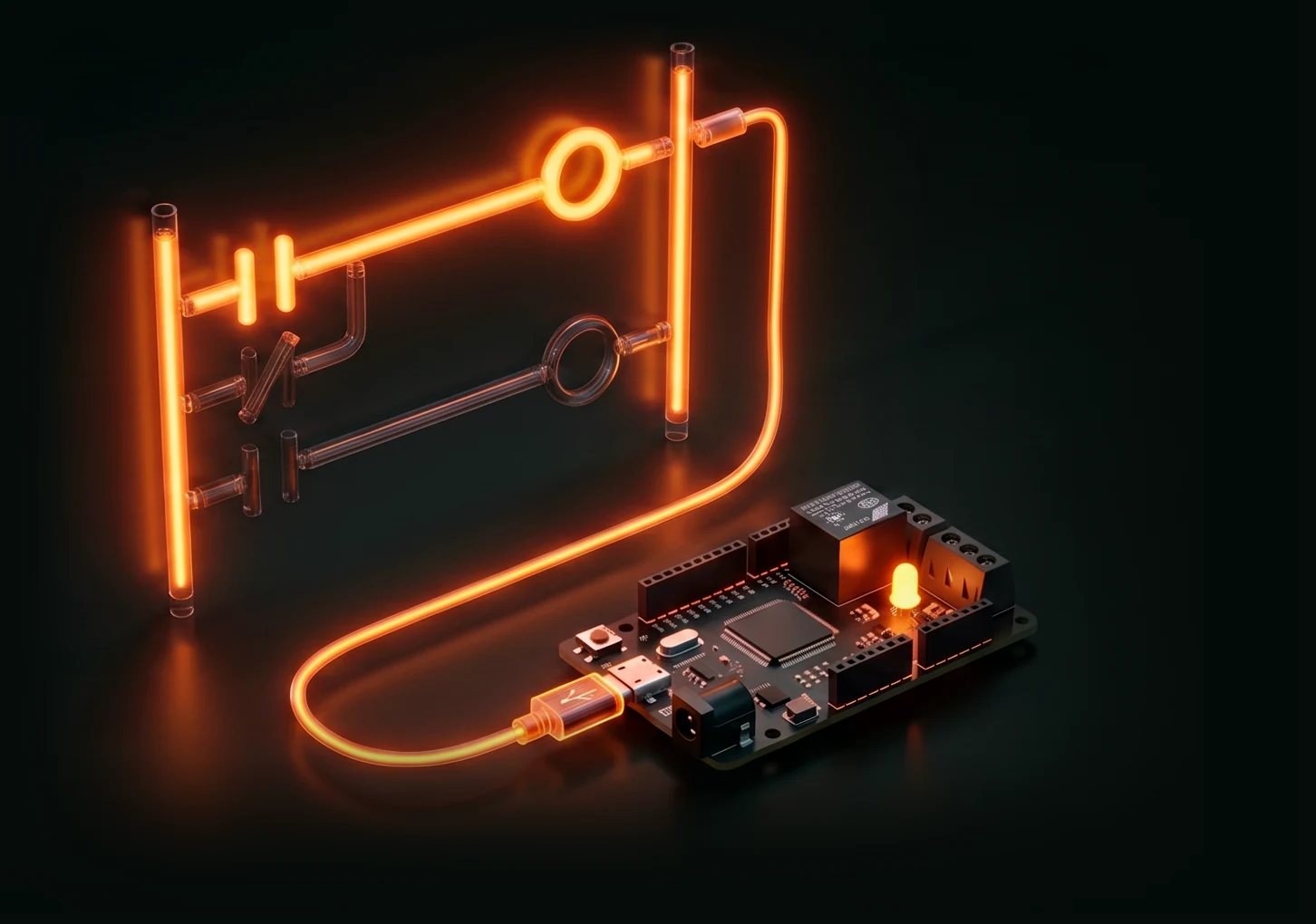
A lit ladder contact driving a relay and an LED on a board over USB
Target boardsArduino Due · Mega2560 · RP2040
LanguagesLadder · C++
CommunicationModbus RTU / TCP
AI authoring · diagnosticsClaude · Codex

See it in use

Follow one example,
from a button press to relay outputs.

Explore the generated ladder, the AI authoring process and live board operation through the same example.

Generated logic · Worked example

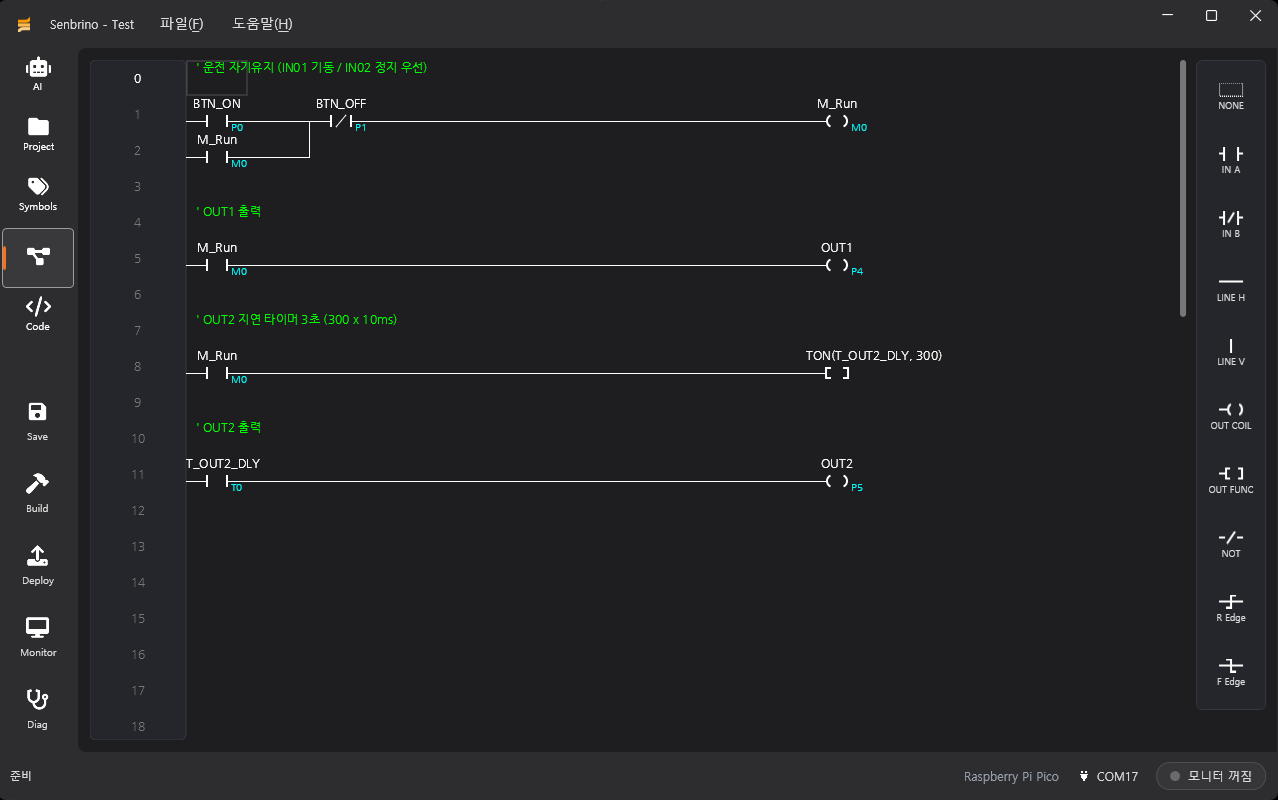
Press a button to turn on a relay. The next output turns on 3 seconds later. Review and edit the logic AI generated.

Read the guide ↗
GO-RP2040-CB08 example · Four AI-generated ladder rungs
Screenshot from the quick-start guide. Click to enlarge.

Machine controls for a custom board.

We built a popping-machine controller on a customer's custom RP2040 board. Ladder logic handles the operating sequence and interlocks. C++ converts dial readings into process times.

Read the popping-machine case study →

Get started

Start with a board you own.
Build controls for your equipment.

See what the board is doing

Input active but no output?
Find the condition holding it back.

Check whether an input is active, which condition is blocking the sequence and how far a timer has progressed. See live contacts and values on the ladder diagram as you refine the controls.

Download for free →The development tools are free. Hardware and external AI services are charged separately.



Arduino Due · Mega2560 · RP2040

Use a supported board you own.
Or build around a custom board.

Choose a supported board and configure its I/O. If your project needs a custom board or machine-specific controls, talk to SEN about board configuration and program development.

  1. Install the editor
  2. Select a supported board and configure I/O
  3. Write, upload and check the ladder logic
Connect a board and create a project ↗Ask about products or custom development →

02Specifications

More on the blog →
Specification posts are in preparationI/O counts per board, power and communication specs are coming soon on the blog.

03Applications

More on the blog →
LoadingFetching posts from the blog.

Tell us what machine it's for

Give us the target and the board type, and we'll suggest a configuration and a quote.