 GuidesSENBRIX
GO-Pi-Zero-M Specifications
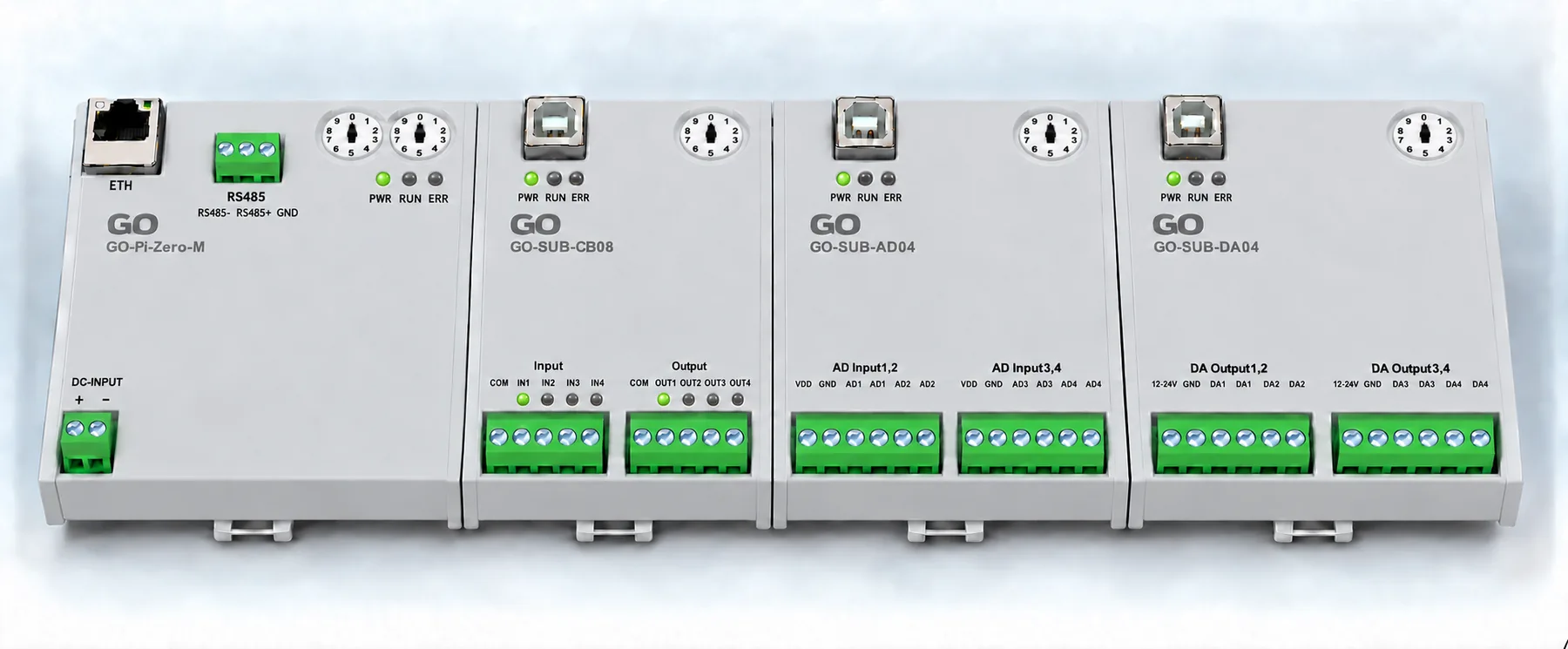
GO-Pi-Zero-M specifications: DC 24 V power, Ethernet, CAN, isolated RS-485, a 40-pin compute module header and a 16-pin expansion bus.

Guides
Product introductions, setup notes, and troubleshooting guides for SENBRIX.
7posts
GuidesSENBRIXGO-Pi-Zero-M specifications: DC 24 V power, Ethernet, CAN, isolated RS-485, a 40-pin compute module header and a 16-pin expansion bus.
 GuidesSENBRIX
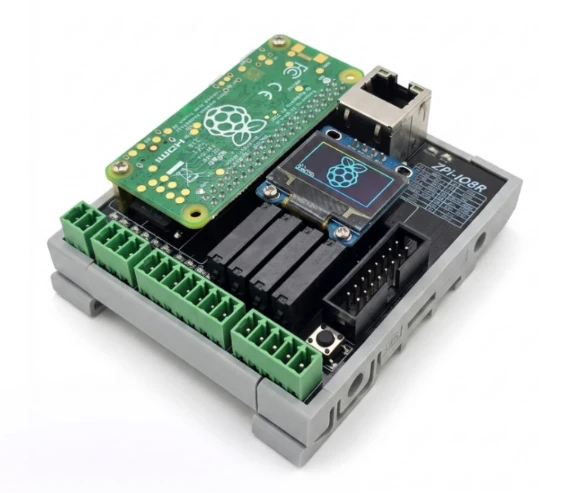
ZPi-IO8R specifications: Raspberry Pi Zero 2 W and RP2040, four digital inputs, four relay outputs, RS-485, OLED, network options and DIN rail mounting.
 GuidesSENBRIX
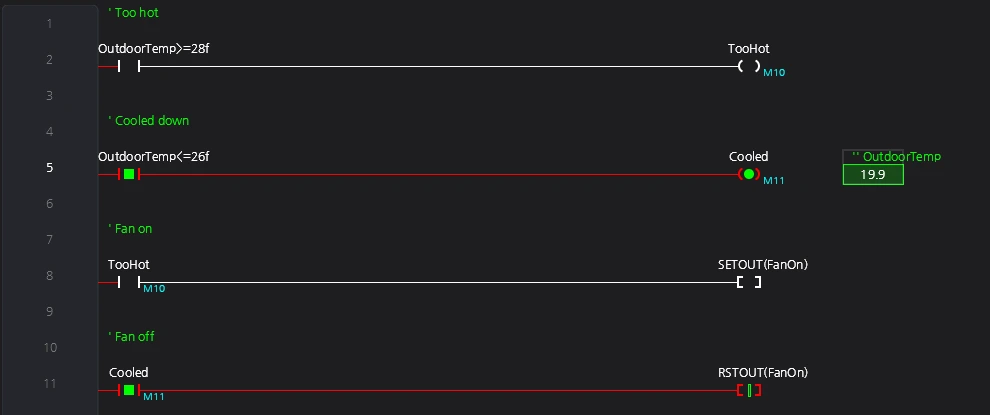
C# reads the outside world and writes it into a D register; the ladder decides. Four rungs and one C# method are enough to react to Seoul's temperature.
 GuidesSENBRIX
One line in the Claude console, six symbols and four rungs come back, then Deploy and Monitor. Press the button and a relay clicks. Three seconds later the second one follows.
 GuidesSENBRIX
From Senbrix-win-Setup.exe to checking the .NET 9 SDK and the first start screen. Get the PC side done before Part 2 puts the runtime on a Raspberry Pi.
 GuidesSENBRIX
From flashing the OS to the runtime one-liner, then writing the Pi-SD16R pin map as XML and registering it in the editor. This is where a Raspberry Pi becomes a PLC.
 GuidesSENBRIX
Ladder and C# share one class, one symbol table and one IntelliSense. Build on Windows, deploy to a Raspberry Pi, and when there is no hardware yet, let the simulator stand in for it.