
Guides
Senbrino Quick Start Part 2 - Connect the GO-RP2040-CB08 and Create a Project
Wire power and buttons, then pick the main board and port in a new project. Inputs are P0 to P3, outputs P4 to P7. The addresses Part 3 uses are set here.

Posts related to Manual across categories.
10 posts · Page 1 of 1
Wire power and buttons, then pick the main board and port in a new project. Inputs are P0 to P3, outputs P4 to P7. The addresses Part 3 uses are set here.

One line in the Claude console, six symbols and four rungs come back, then Deploy and Monitor. Press the button and a relay clicks. Three seconds later the second one follows.

From Senbrino-win-Setup.exe to the first start screen. Get the PC side ready before the GO-RP2040-CB08 board comes in Part 2.

One line in the Claude console, six symbols and four rungs come back, then Deploy and Monitor. Press the button and a relay clicks. Three seconds later the second one follows.

From Senbrix-win-Setup.exe to checking the .NET 9 SDK and the first start screen. Get the PC side done before Part 2 puts the runtime on a Raspberry Pi.

From flashing the OS to the runtime one-liner, then writing the Pi-SD16R pin map as XML and registering it in the editor. This is where a Raspberry Pi becomes a PLC.
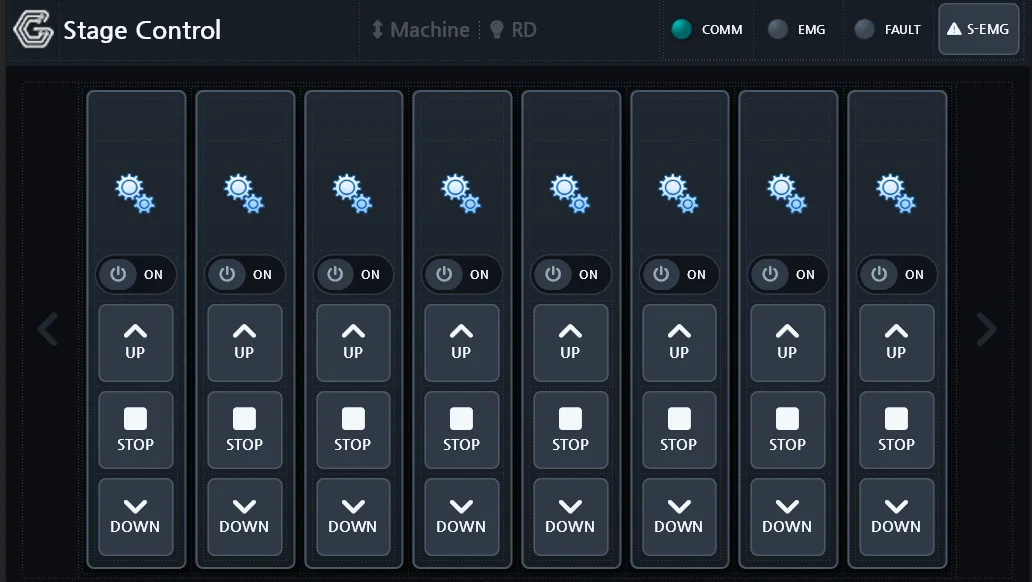
An industrial HMI does more than draw screens: it talks to the plant floor, records what happens, raises alarms, and runs control logic. Here is the SENVAS Designer and SENVAS Runtime pair that does it on SENVAS Touch.
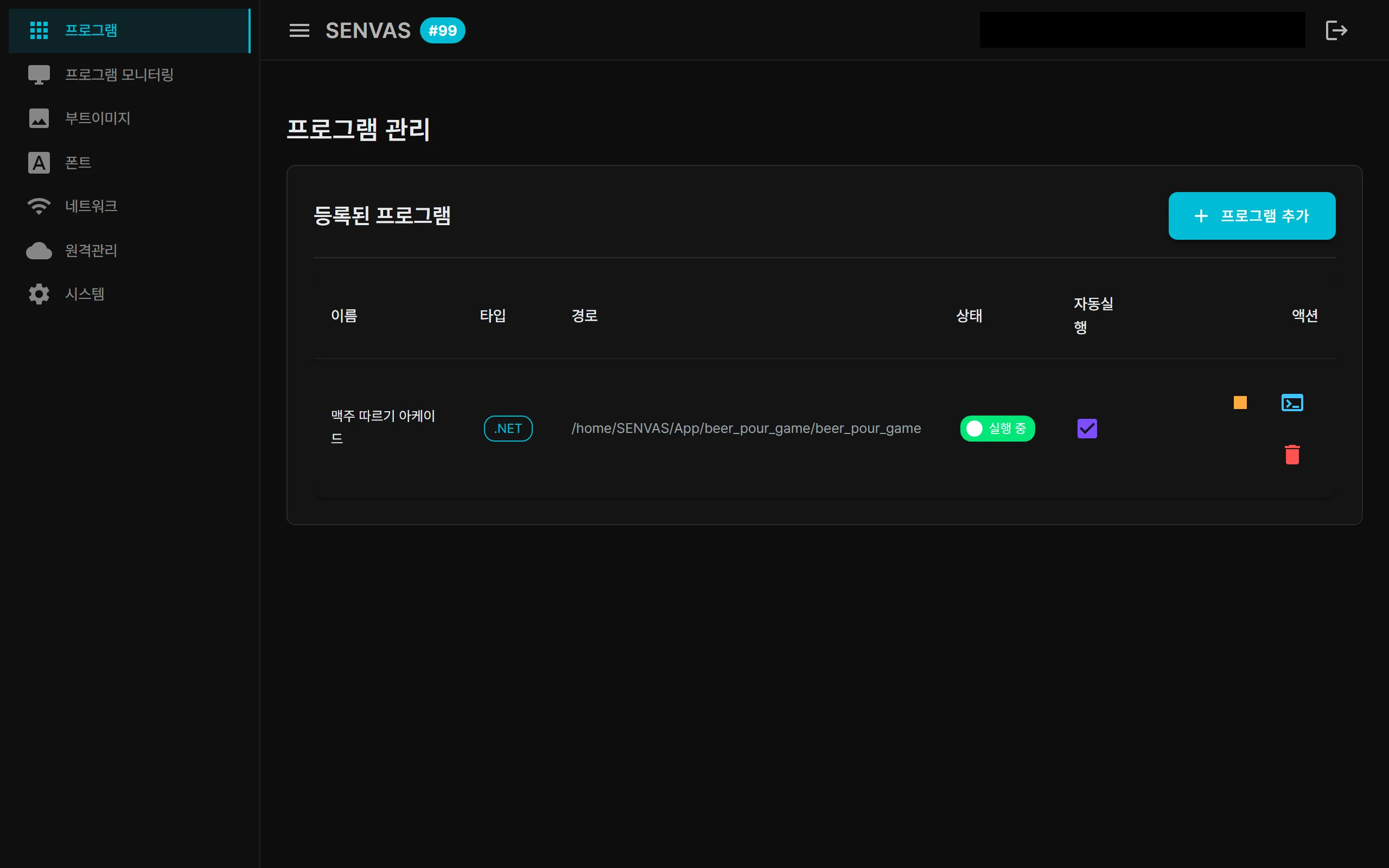
Port forwarding, TeamViewer and self-hosted OpenVPN each come with a catch. SENVAS Touch solves industrial HMI remote access with a WireGuard-based Tailscale mesh VPN and Funnel HTTPS that opens only on demand.
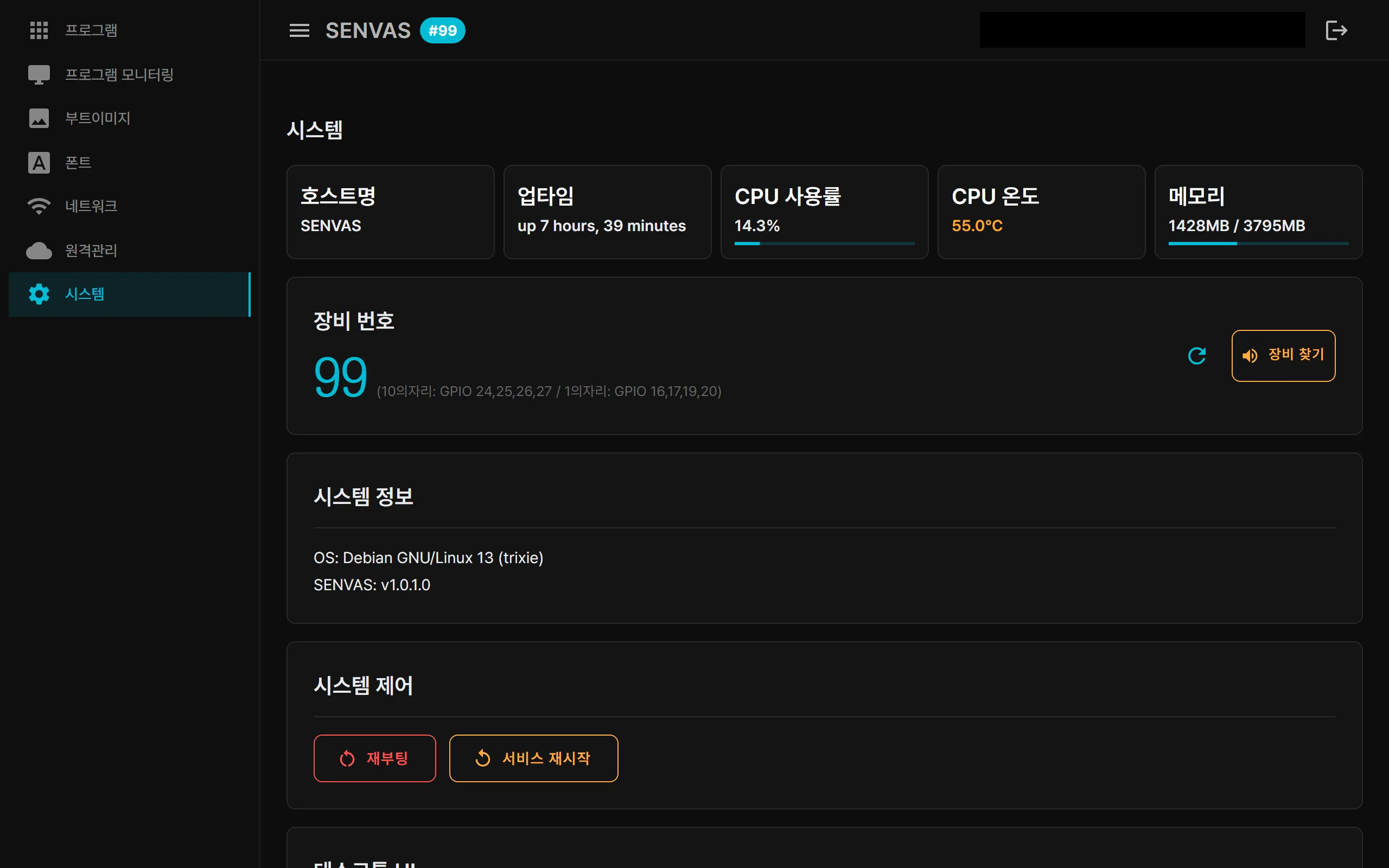
The foundation layer of an industrial HMI device, the touch management launcher, is a .NET 9 Blazor Server app. The kiosk welcome screen, the web console and remote access are all the same app; the operator HMI runs on top of it.
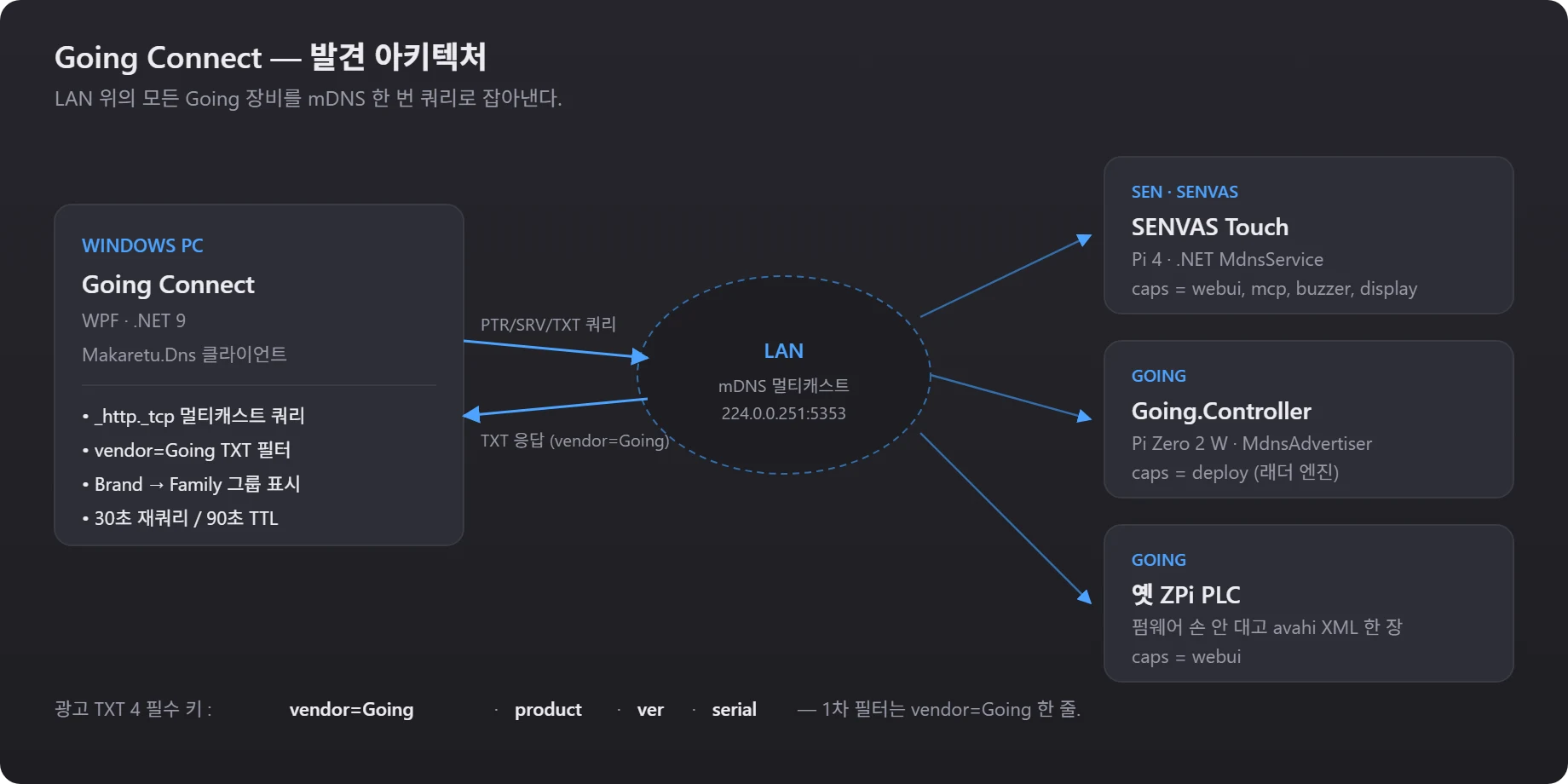
Devices work the moment you plug them in, but somebody still has to remember what runs where. One TXT convention and one tray app removed that chore.