
Field
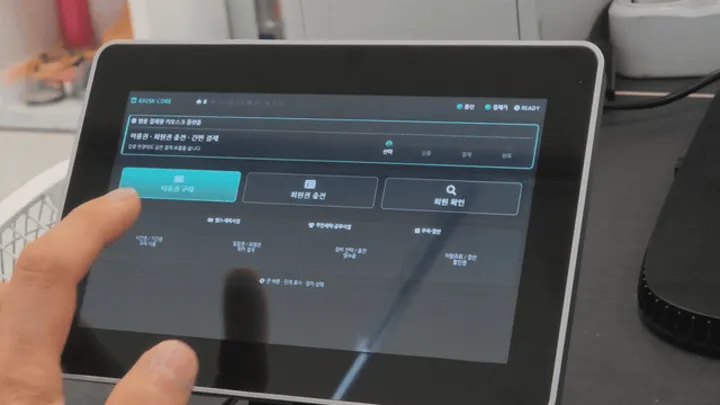
Building a Kiosk Pass and Membership Application
A practical overview of the touch displays, payment devices, RF reader, receipt printer, and connections used to build a kiosk pass and membership application.
Posts related to Senvas across categories.
13 posts · Page 1 of 1
A practical overview of the touch displays, payment devices, RF reader, receipt printer, and connections used to build a kiosk pass and membership application.
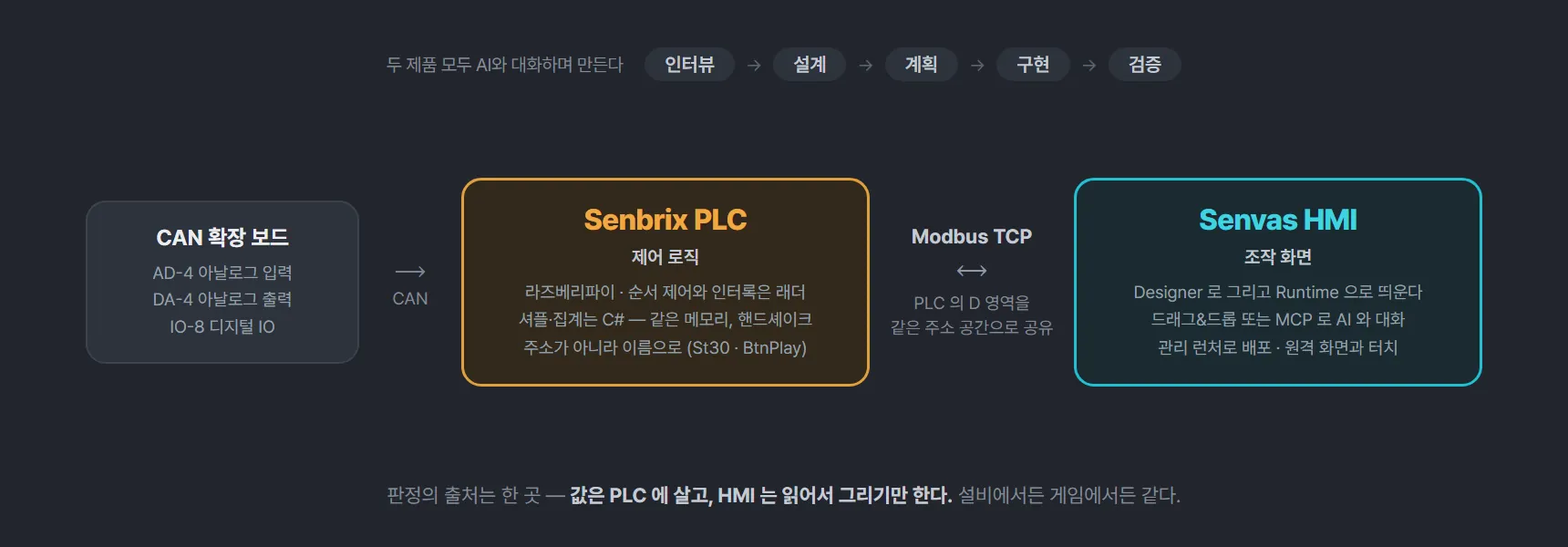
Ladder on one side, screens on the other, and one rule holding them together - the values live in the PLC and the HMI only reads them and draws them.

From one lever to a cabinet holding four games, seven posts collected on one page - in the order the parts arrived and the games followed them.
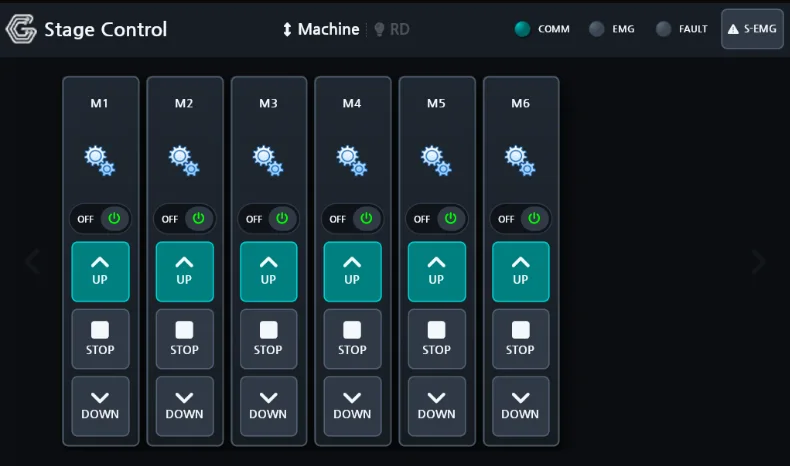
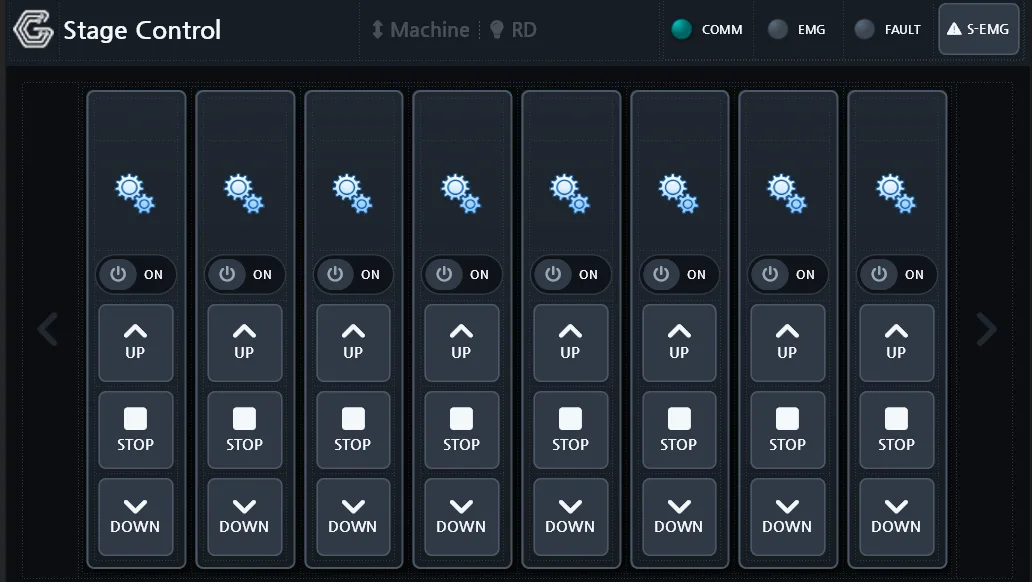
The real danger on a stage is not missing information - it is pressing the wrong channel or trusting a device whose link has dropped. The screens were designed around that.
An industrial HMI does more than draw screens: it talks to the plant floor, records what happens, raises alarms, and runs control logic. Here is the SENVAS Designer and SENVAS Runtime pair that does it on SENVAS Touch.
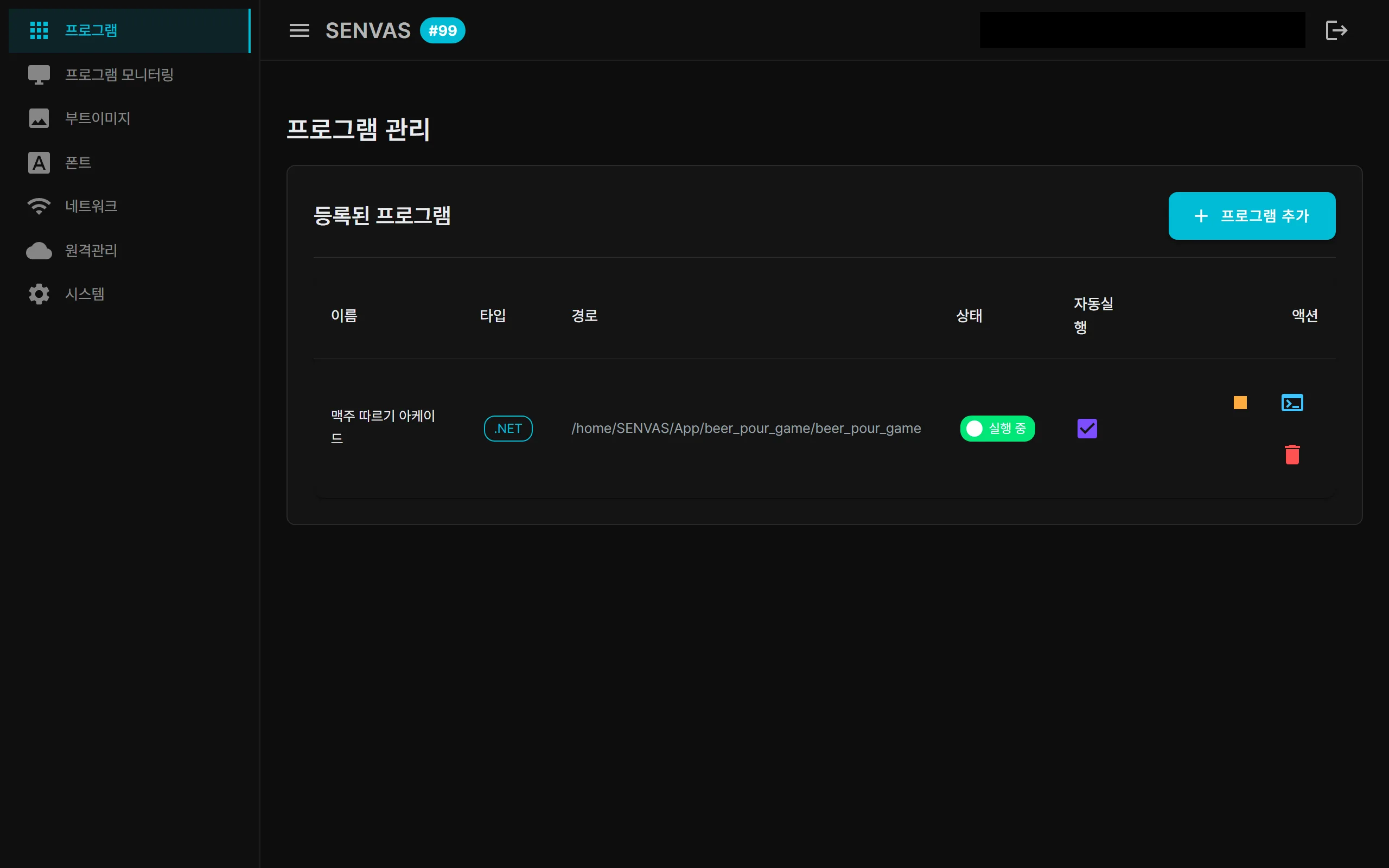
Port forwarding, TeamViewer and self-hosted OpenVPN each come with a catch. SENVAS Touch solves industrial HMI remote access with a WireGuard-based Tailscale mesh VPN and Funnel HTTPS that opens only on demand.
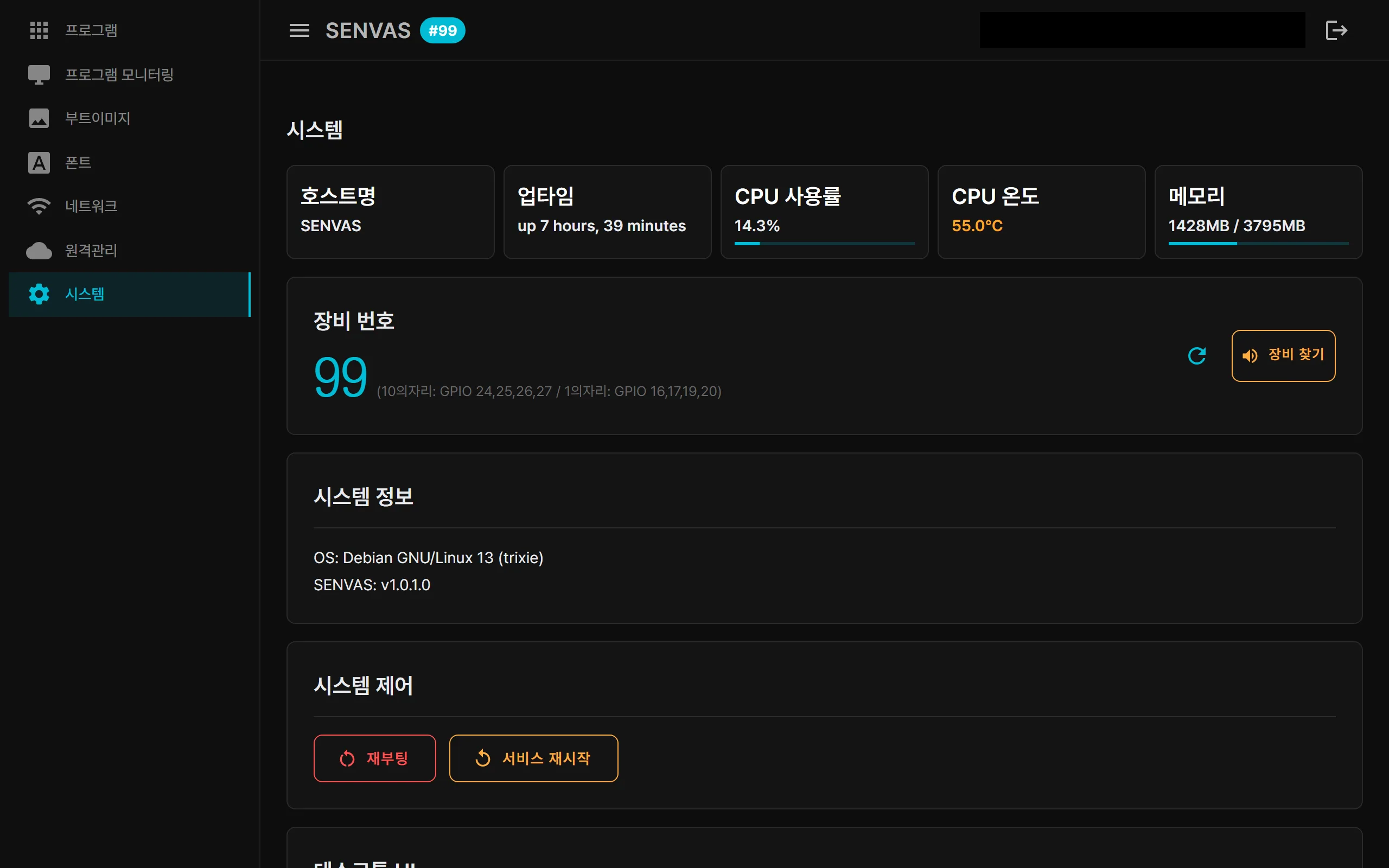
The foundation layer of an industrial HMI device, the touch management launcher, is a .NET 9 Blazor Server app. The kiosk welcome screen, the web console and remote access are all the same app; the operator HMI runs on top of it.
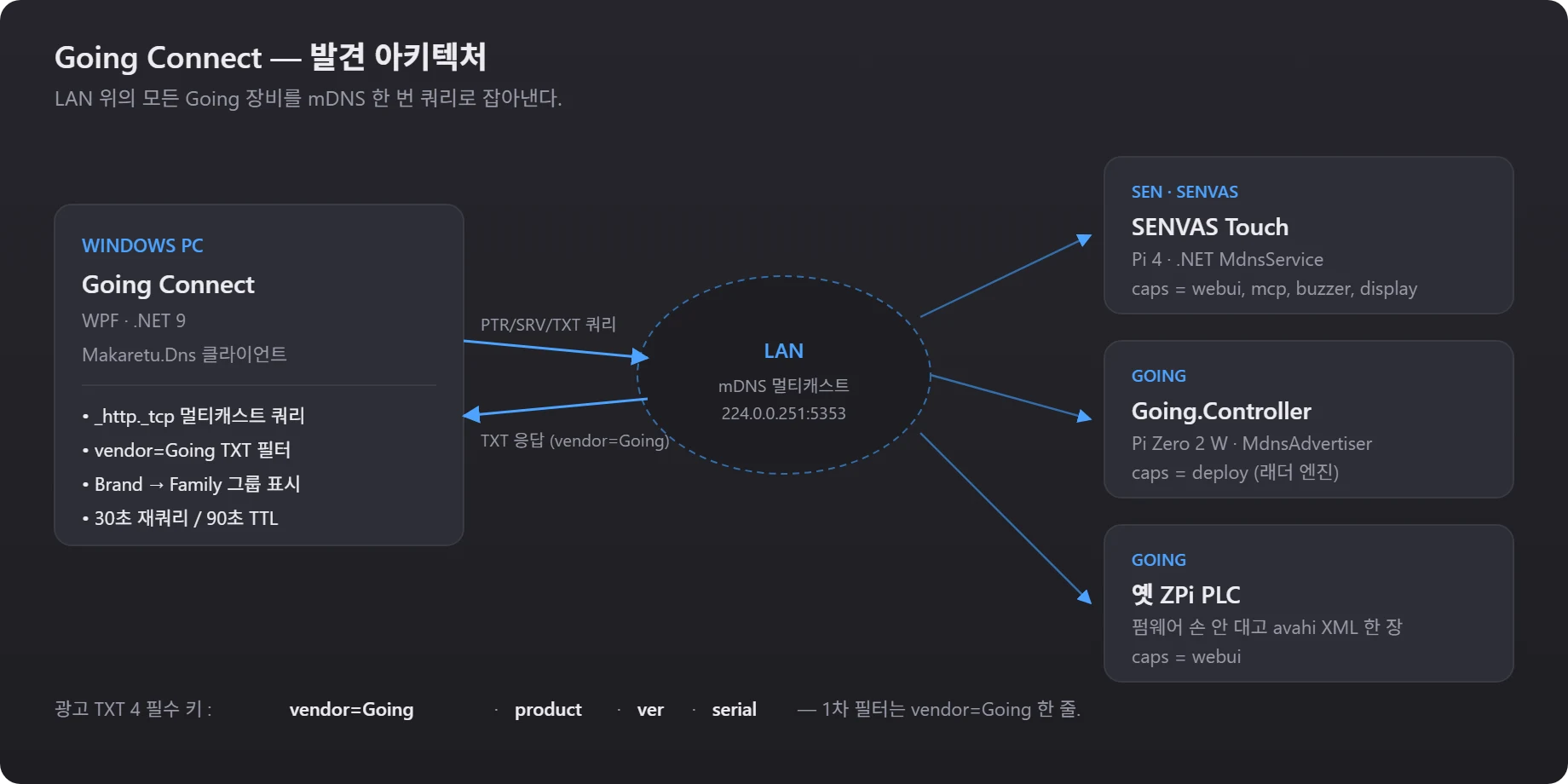
Devices work the moment you plug them in, but somebody still has to remember what runs where. One TXT convention and one tray app removed that chore.
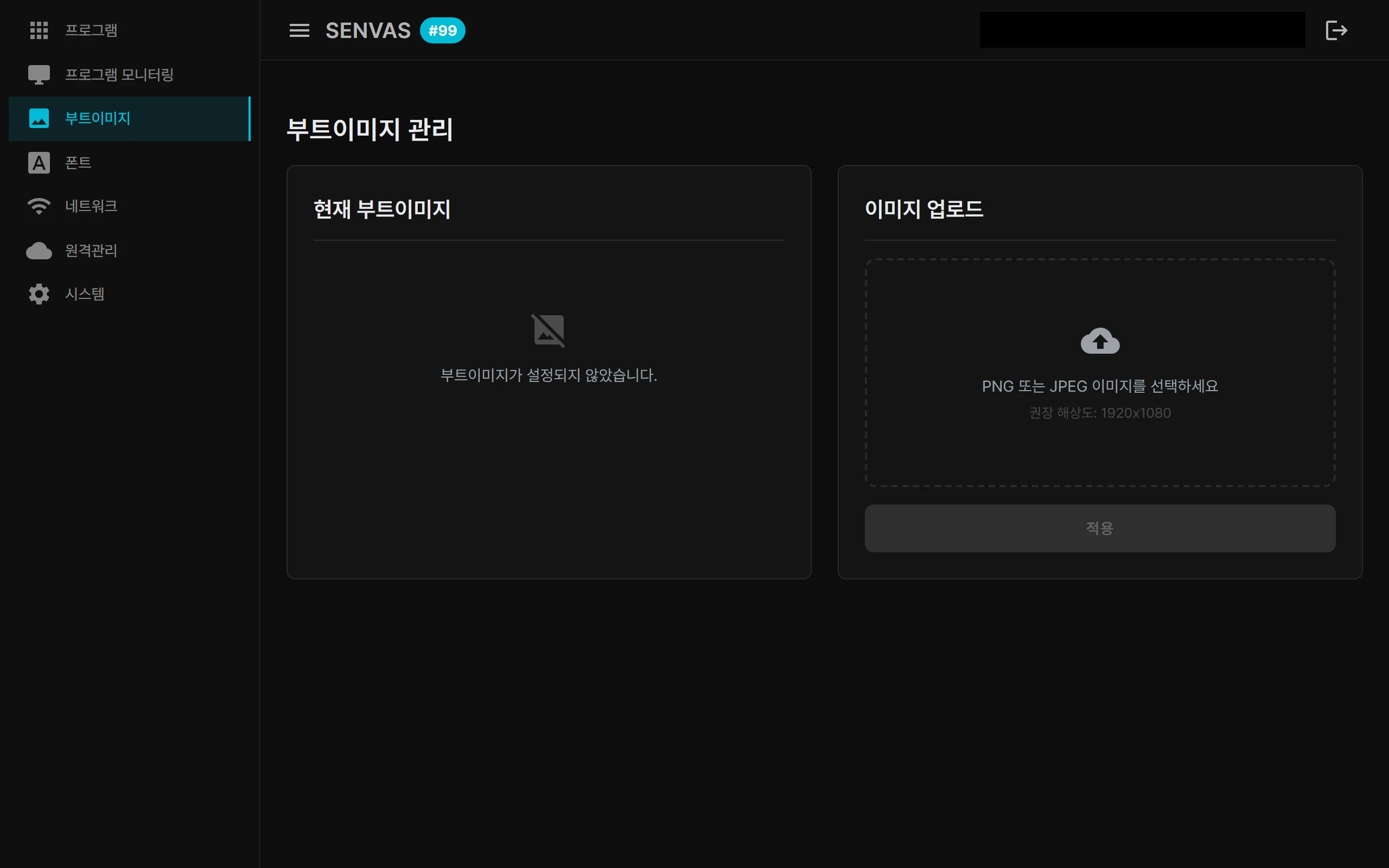
An industrial HMI touch device you can carry into a factory, a farm, or a power plant, plug in, and use. Kiosk auto-boot, network discovery, remote management, AI integration, and automated app deployment at a glance.
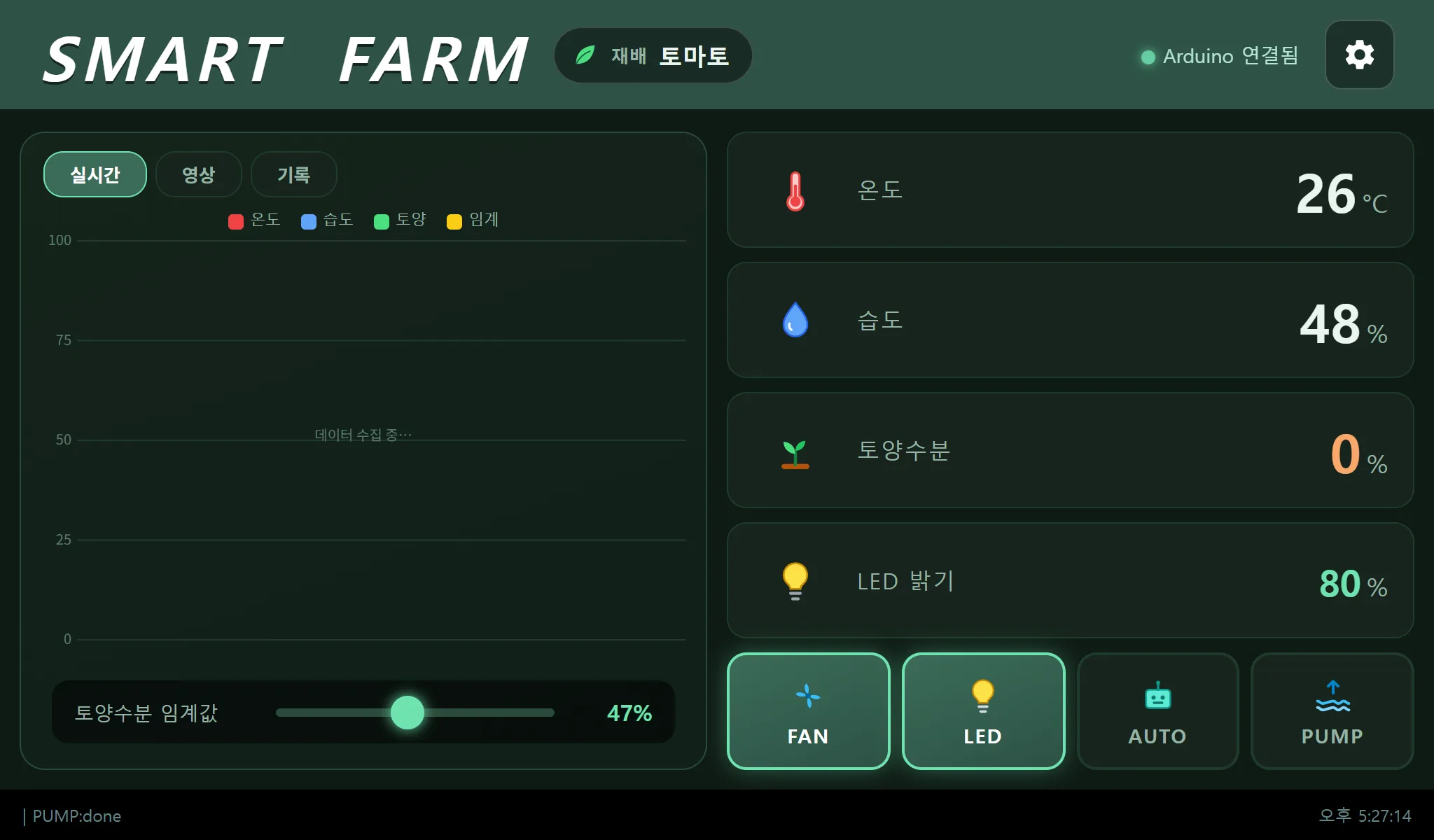
Coil bit packing, a black MJPEG screen and a pump that ignored its auto-stop - the three troubleshooting stories behind an indoor smart farm on one touch panel.
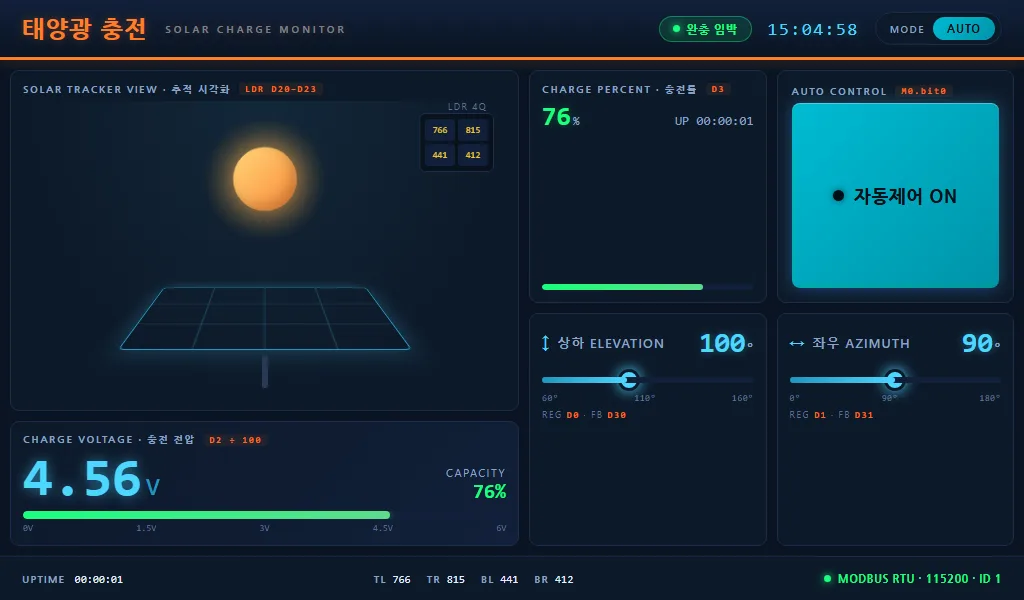
Four LDRs give the direction error as a vector, two servos follow it, and a 7-inch panel shows the charge. The jitter fix and seven deployment rounds are the interesting part.
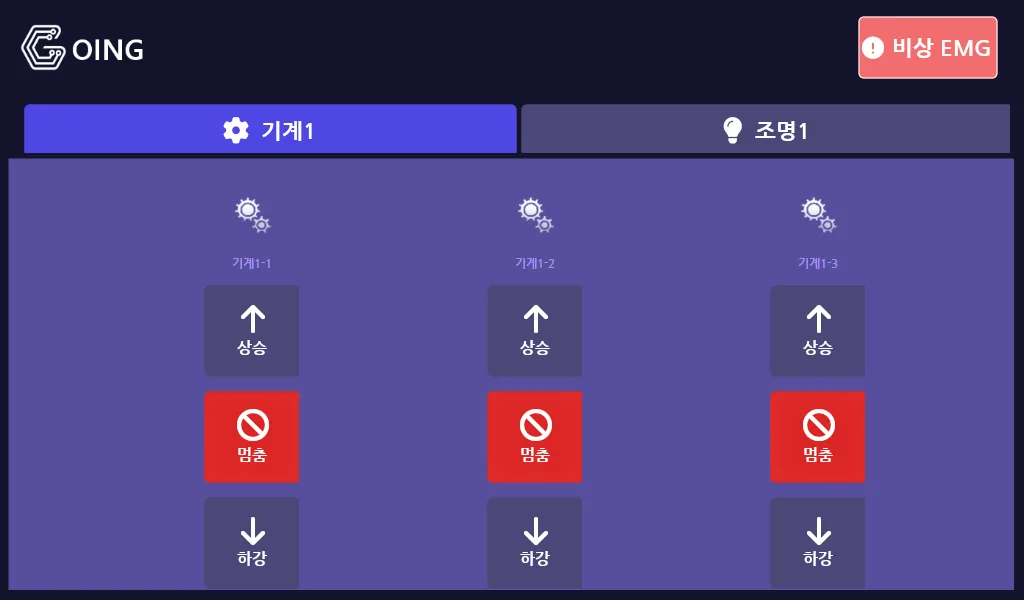
Press the wrong switch on a stage and a set misbehaves. Building a panel where a mistake is obvious took four visualisation rewrites and five rounds of GPIO conflict.
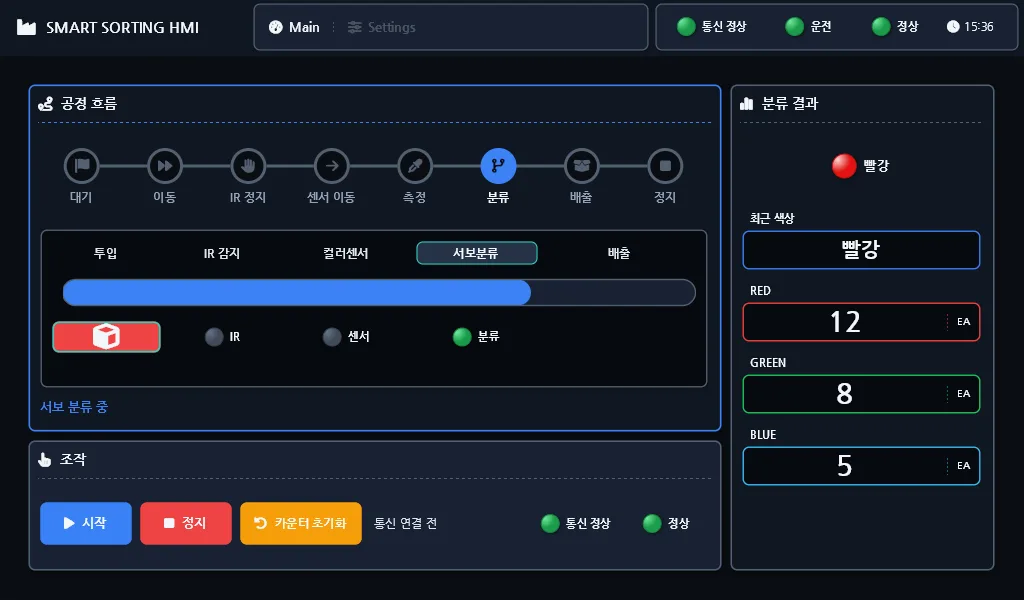
A teaching kit becomes an industrial line: no phone in hand, cumulative counts on screen, and a wired link whose loss is actually visible.