
 GuidesSENBRIX
GuidesSENBRIX
PLC Ladder and HMI Screens With AI - Senbrix and Senvas Together
Ladder on one side, screens on the other, and one rule holding them together - the values live in the PLC and the HMI only reads them and draws them.
SEN Blog
Product introductions, setup, usage, and troubleshooting
16posts
GuidesSENBRIXLadder on one side, screens on the other, and one rule holding them together - the values live in the PLC and the HMI only reads them and draws them.
 GuidesSENBRIX
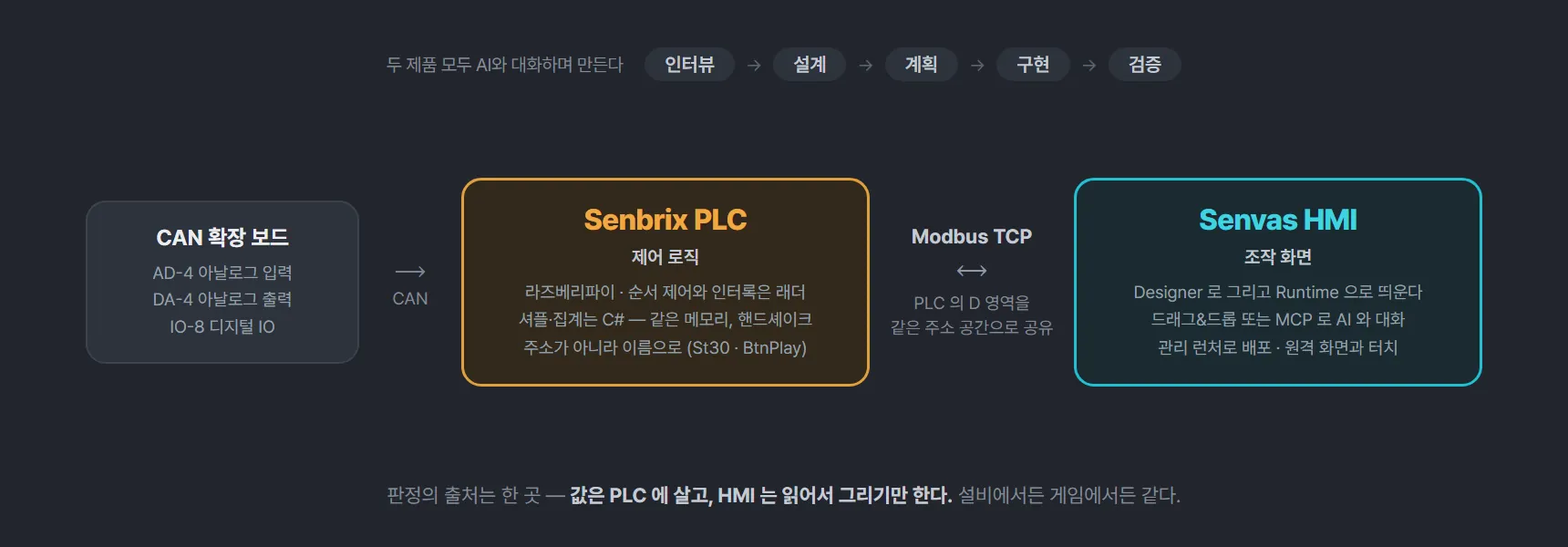
A compact PLC where ladder and C# share the same memory, with AD-4, DA-4 and IO-8 expansion boards on a CAN bus - validated by four games running out of one project.
 GuidesGoing Connect
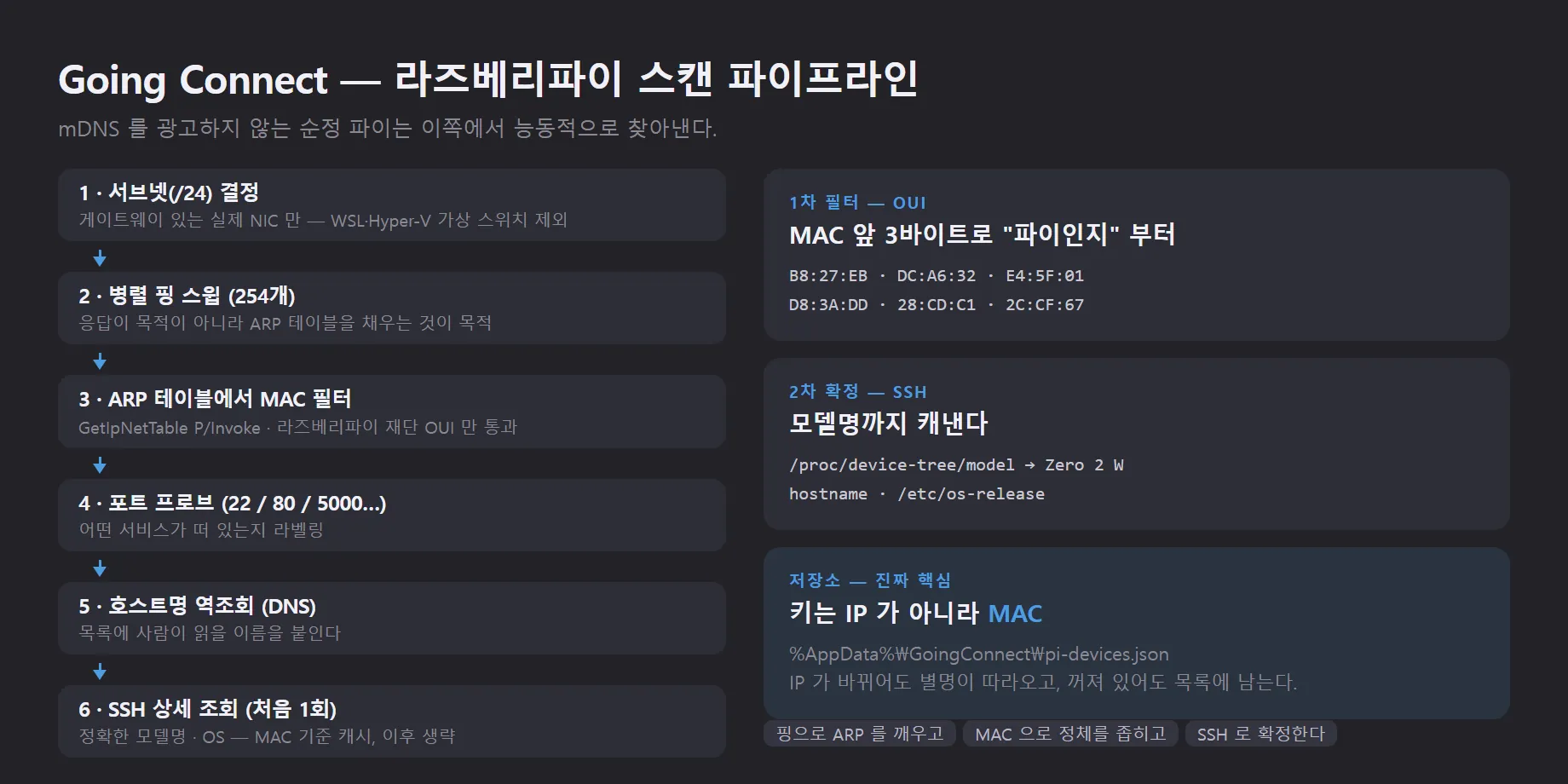
An IP tells you nothing about which Pi you are looking at. Here is the active scan that finds them and the MAC-keyed nicknames that survive a reboot.
 GuidesSENVAS
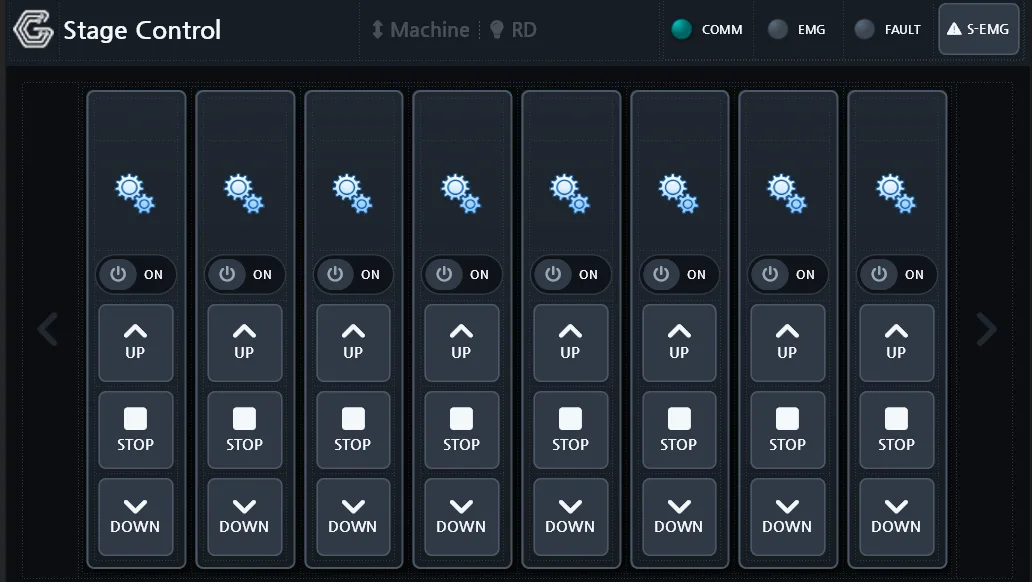
An industrial HMI does more than draw screens: it talks to the plant floor, records what happens, raises alarms, and runs control logic. Here is the SENVAS Designer and SENVAS Runtime pair that does it on SENVAS Touch.
 GuidesSENVAS
Port forwarding, TeamViewer and self-hosted OpenVPN each come with a catch. SENVAS Touch solves industrial HMI remote access with a WireGuard-based Tailscale mesh VPN and Funnel HTTPS that opens only on demand.
 GuidesSENVAS
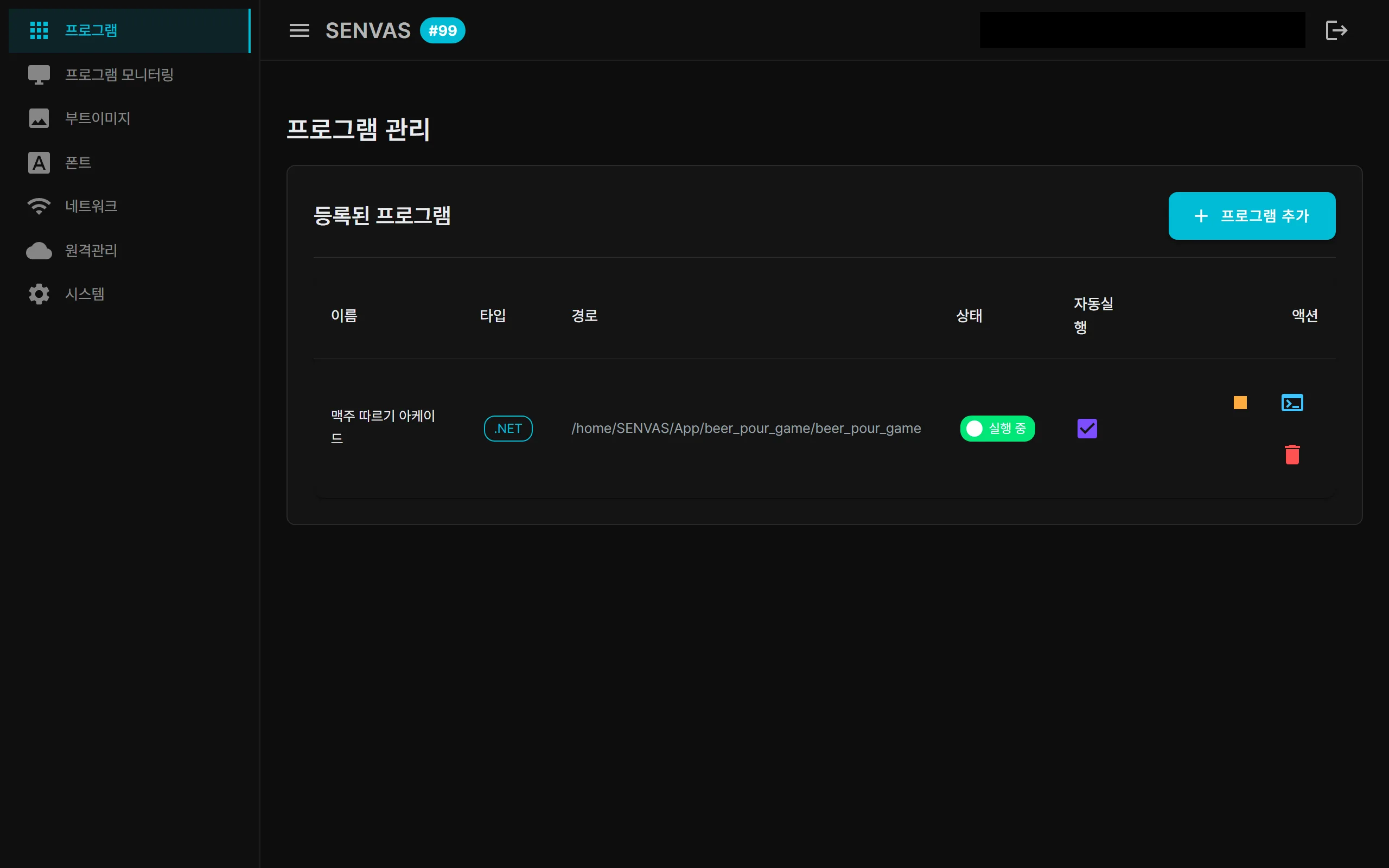
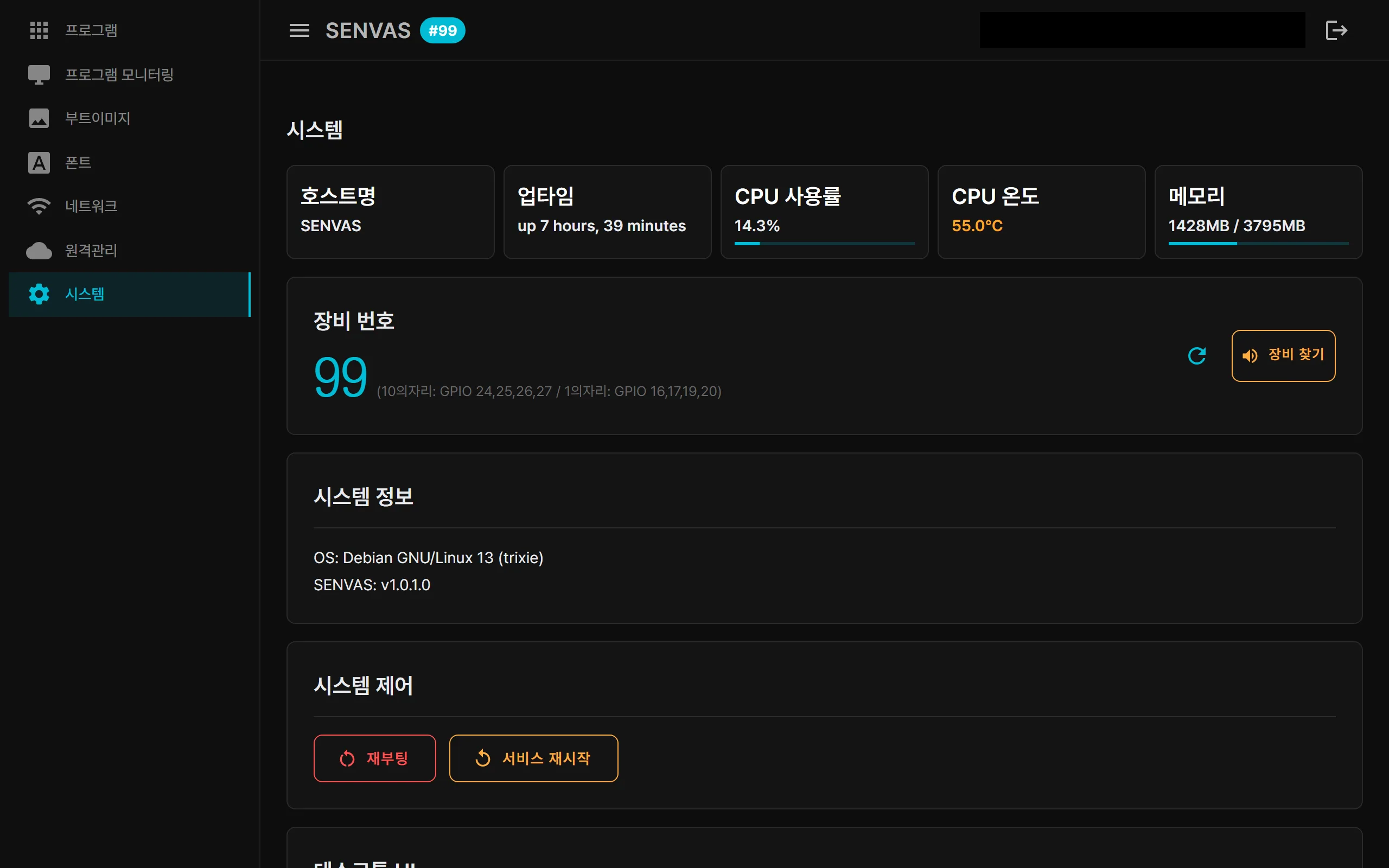
The foundation layer of an industrial HMI device, the touch management launcher, is a .NET 9 Blazor Server app. The kiosk welcome screen, the web console and remote access are all the same app; the operator HMI runs on top of it.
 GuidesGoing Connect
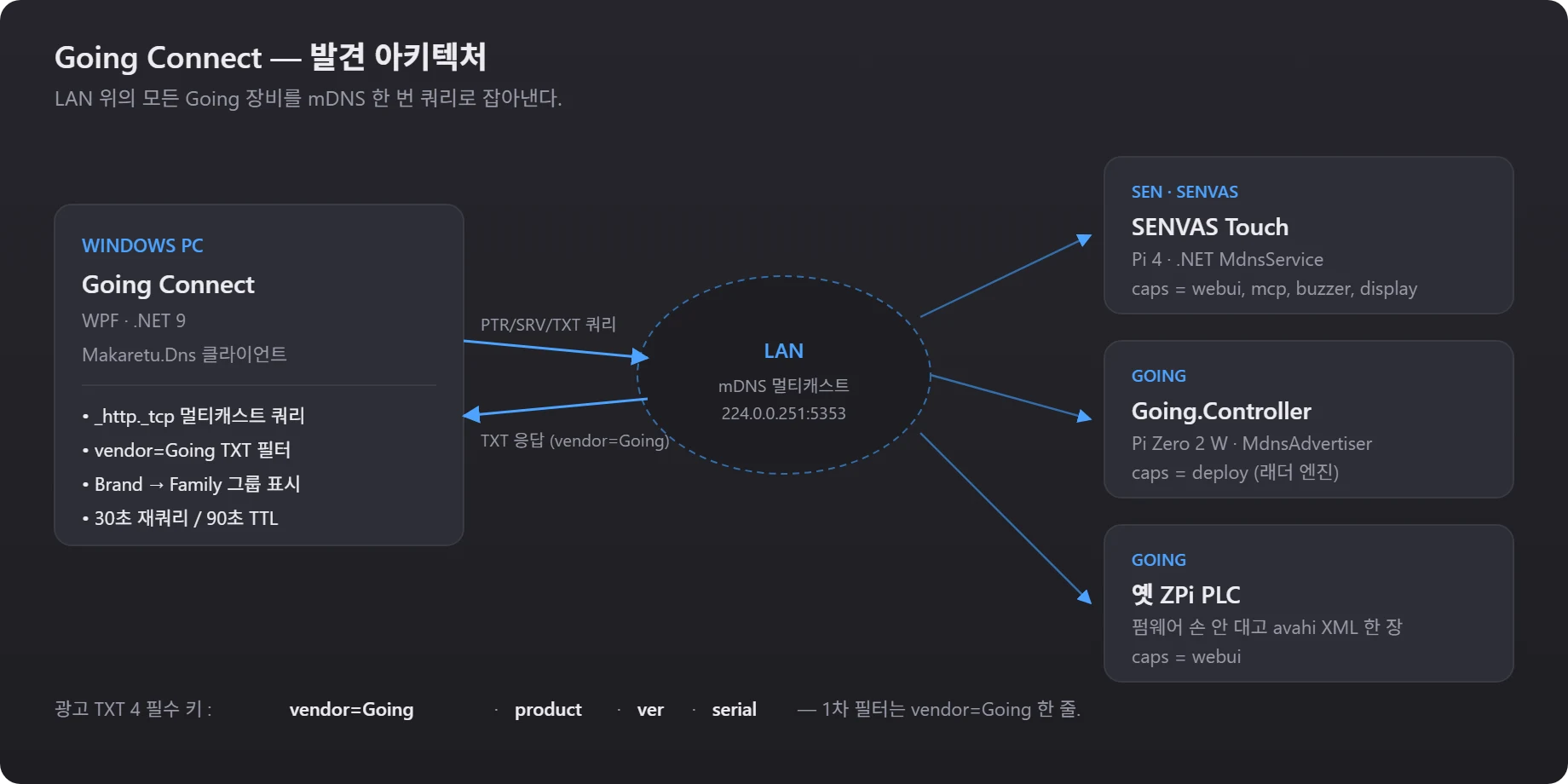
Devices work the moment you plug them in, but somebody still has to remember what runs where. One TXT convention and one tray app removed that chore.
 GuidesZPi Controller
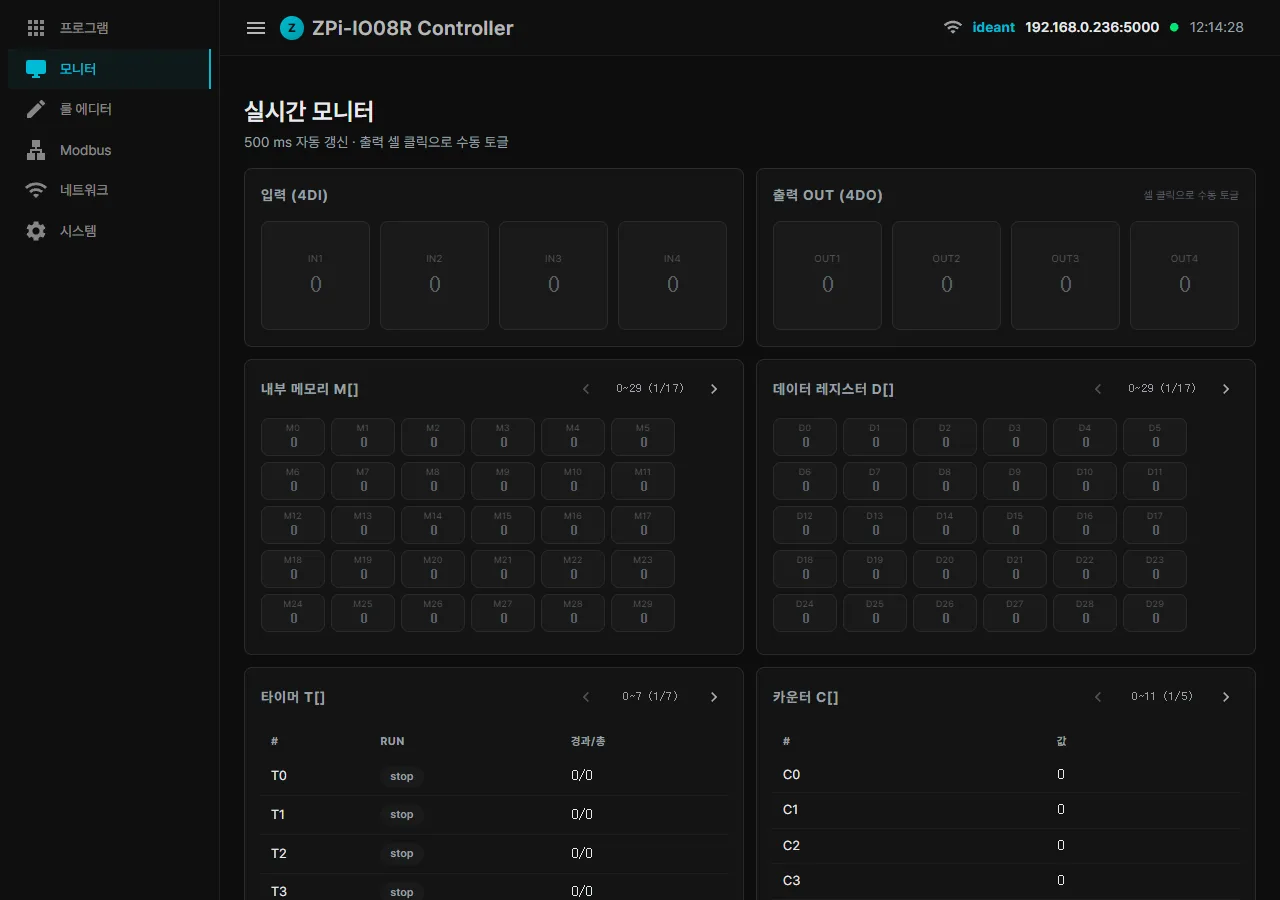
Seven posts on building an industrial controller out of a Raspberry Pi, collected on one page - from the hardware and the AI HMI through the debugging traps, boot time, and what comes next.
 GuidesSENVAS
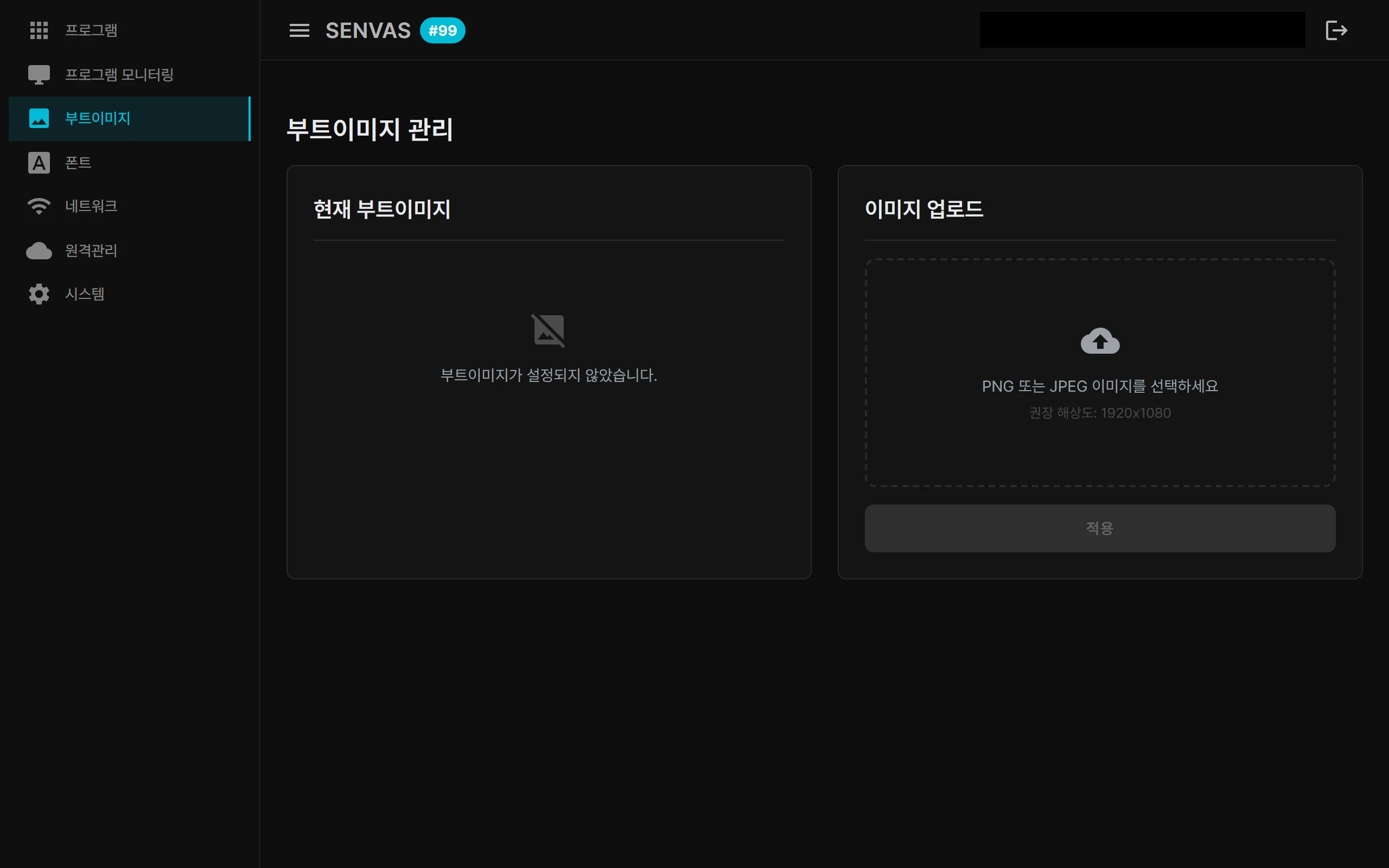
An industrial HMI touch device you can carry into a factory, a farm, or a power plant, plug in, and use. Kiosk auto-boot, network discovery, remote management, AI integration, and automated app deployment at a glance.
 GuidesZPi Controller
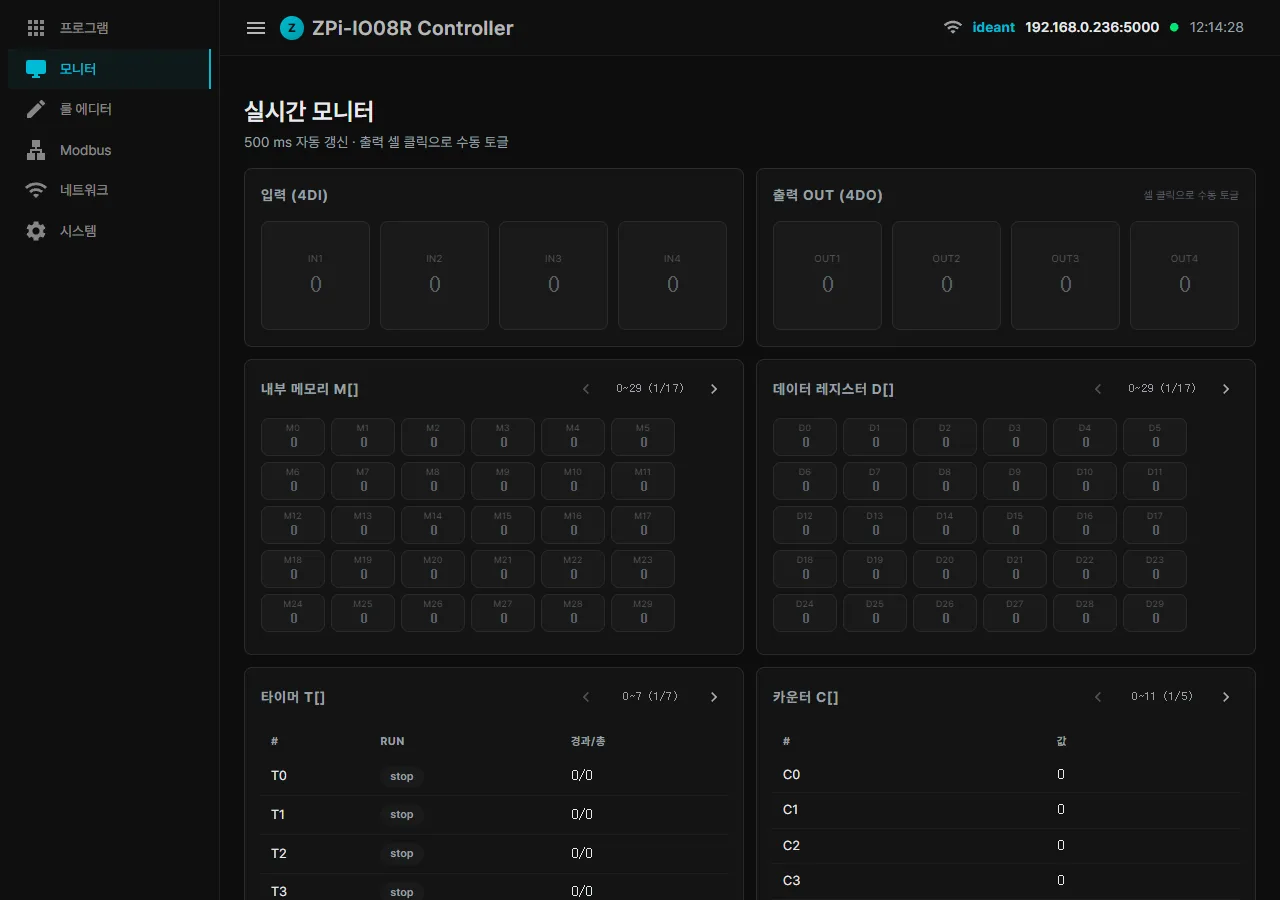
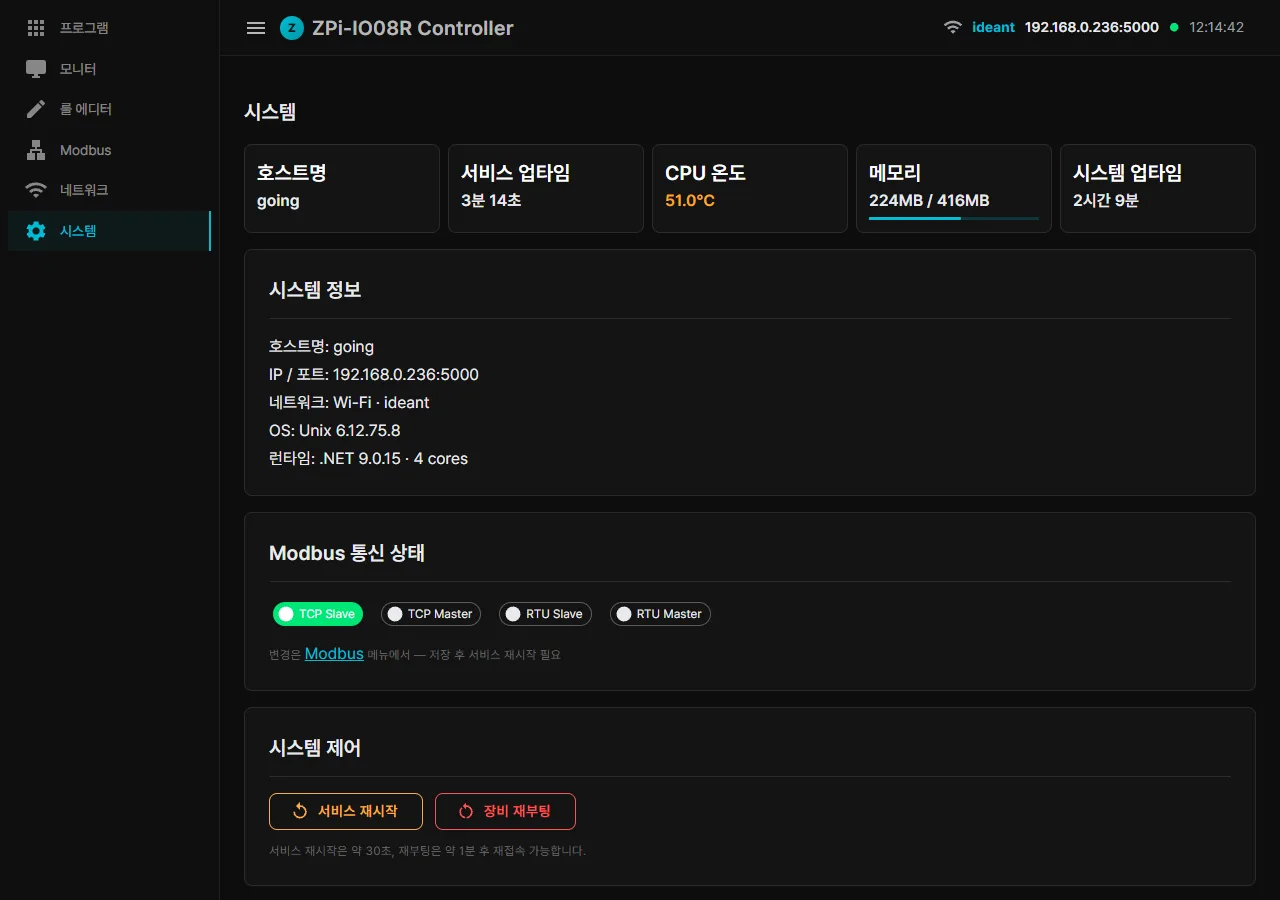
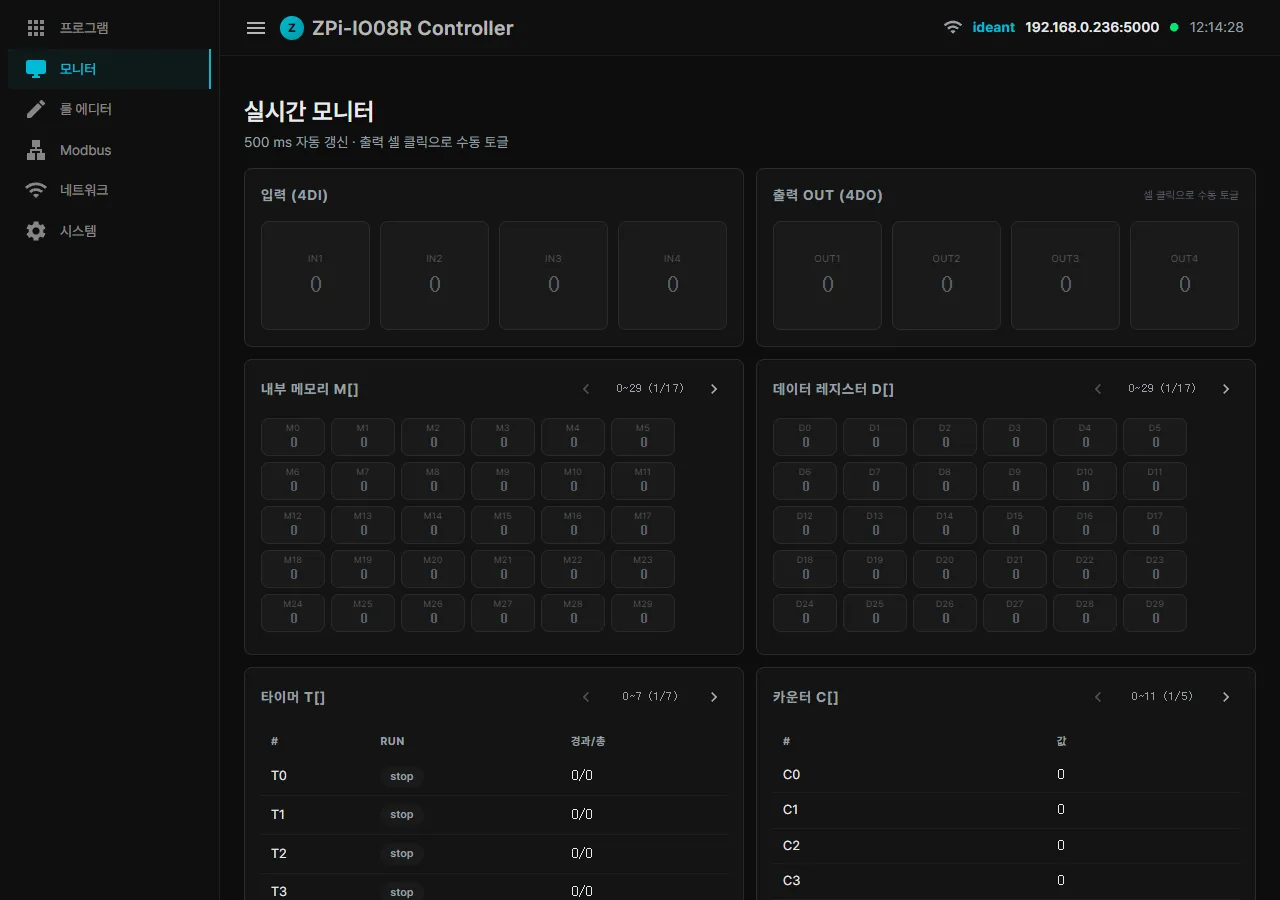
ZPi Controller pairs a Raspberry Pi Zero 2 W with a 4-input/4-relay board and runs .NET 9 plus Blazor on top. Part 1 walks through Modbus TCP/RTU, the browser rule editor, hosted user programs and the AI-generated operator HMI.
 GuidesZPi Controller
Build a full-screen industrial HMI for a Raspberry Pi PLC just by talking to Claude. The workflow lives inside the MCP tool description, and SSE auto-reload plus version rollback stay on the server side.
 GuidesZPi Controller
Connecting a Raspberry Pi PLC to Claude Desktop should take one double-click. Getting there meant fighting encoding traps, cmd parser quirks, PowerShell escaping and three ways of launching Claude that did not work.
 GuidesZPi Controller
A mistyped Modbus port that killed the web UI in an infinite restart loop, an avahi reload that keeps advertising the old hostname, and a C# regex replacement where $1 silently becomes $15 - with the broken and fixed code side by side.
 GuidesZPi Controller
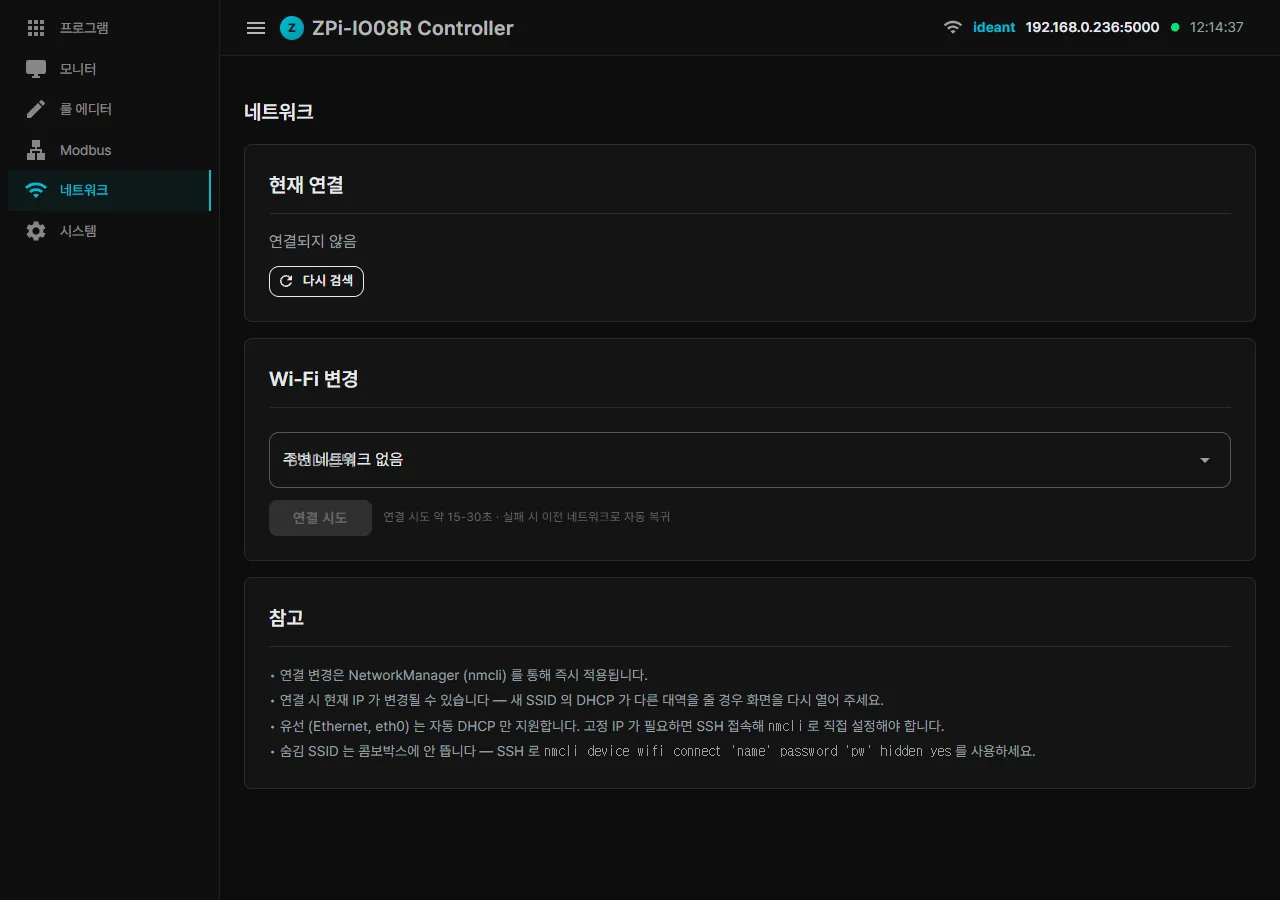
WiFi credentials that vanish after a reboot and a boot sequence that stalls for a full minute are both first-impression problems on a Raspberry Pi PLC. This is how we backed up credentials ourselves and dropped boot time to 33 s.
 GuidesZPi Controller
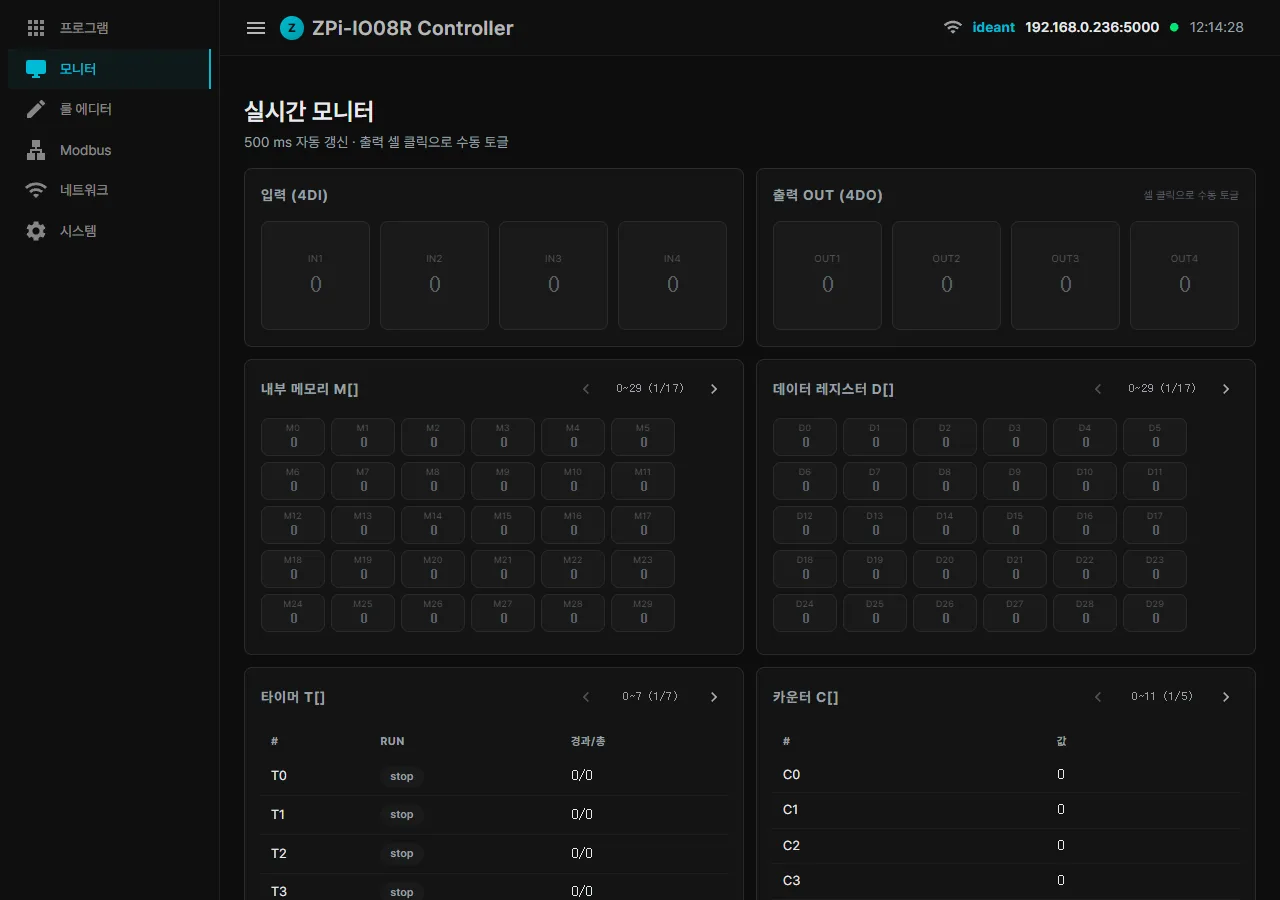
MQTT as the top priority, WebSocket for a real live monitor, alarms and notifications, and ZViews the AI generates from a user program manifest. The v2 roadmap for this Raspberry Pi PLC and the closing post of the series.
 GuidesZPi Controller
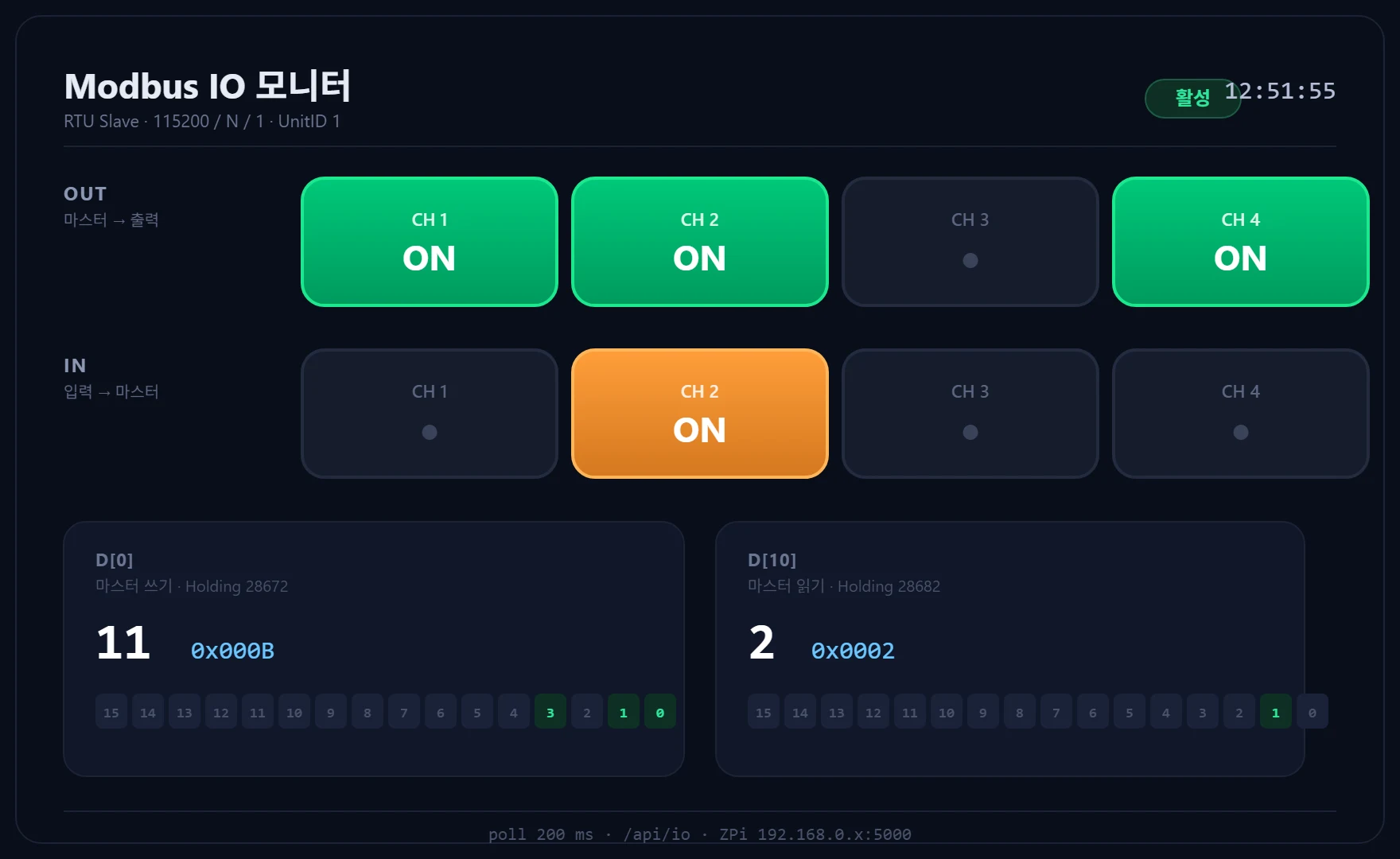
A single-page ZView, 10 KB of HTML, showing an upstream Modbus master driving four outputs and reading four inputs back. The bit matrix on screen catches byte swaps and wrong bit positions instantly.